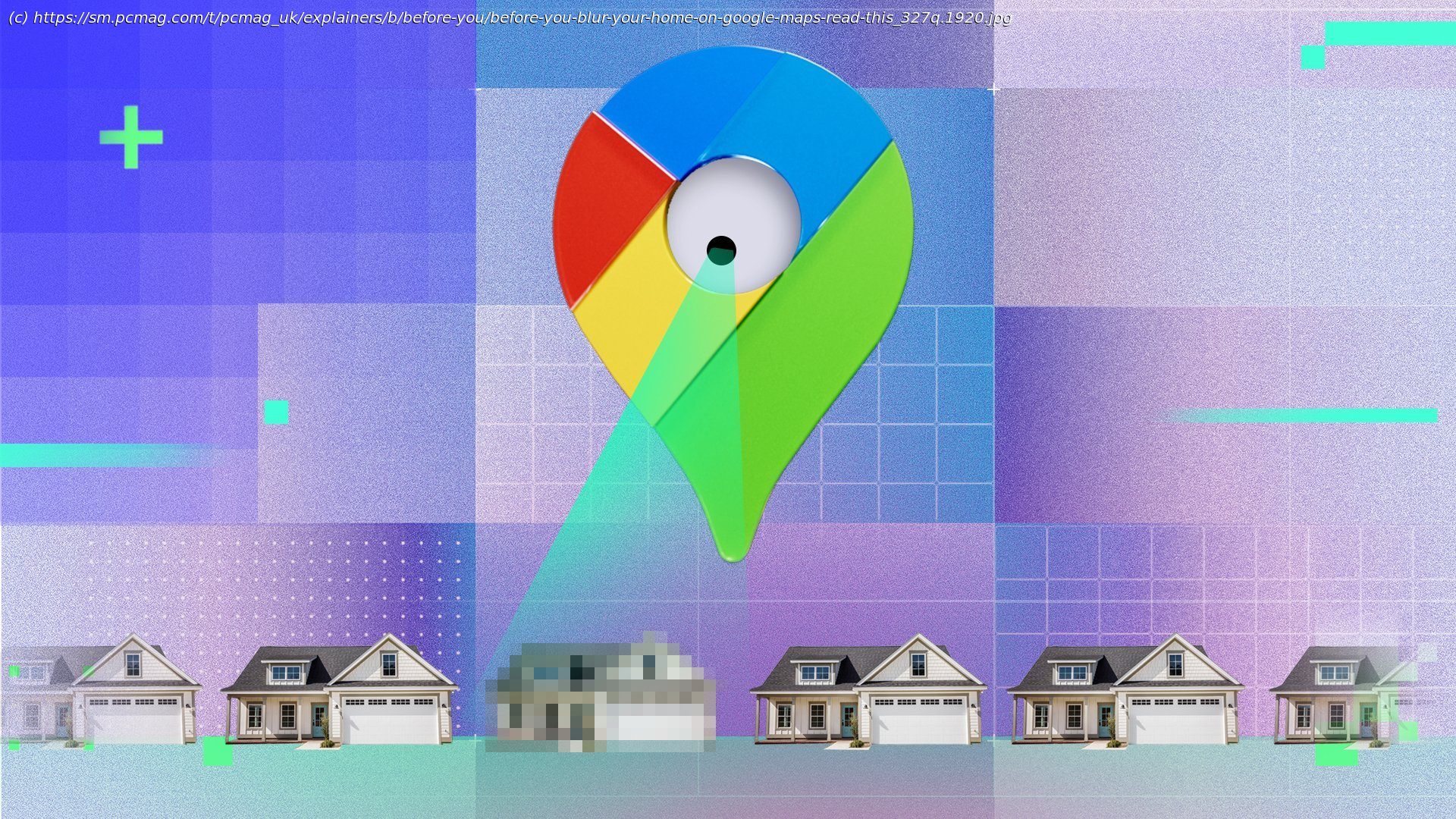
Want more privacy? You can easily hide your house on Google Street View. Just know you won’t be able to undo it later.
We hope you never have to deal with someone targeting you specifically, such as a stalker, burglar, or another criminal seeking to profit from your personal information. And if you’ve had information about you used to create deepfaked videos, audio messages, texts, and emails designed to part you or your loved ones from their money, you probably want to do what you can to protect yourself. Hiding your home on Google’s Street View is one way to make it a little harder for scammers, stalkers, or other snoops to keep tabs on where you’re living, but it comes with some drawbacks. We’ll show you how to hide your home on Google, but also explain why you may not want to.What You Should Know Before Blurring Your Home on Google
Blurring a location on a Google map is not reversible. This means that when you’re ready to sell your home, or if you have a change of heart, Google will not unblur the image. In a similar vein, if you are renting a house, or if you live in an apartment, a condo, a duplex, or any other shared building, don’t blur the location on Google Maps.