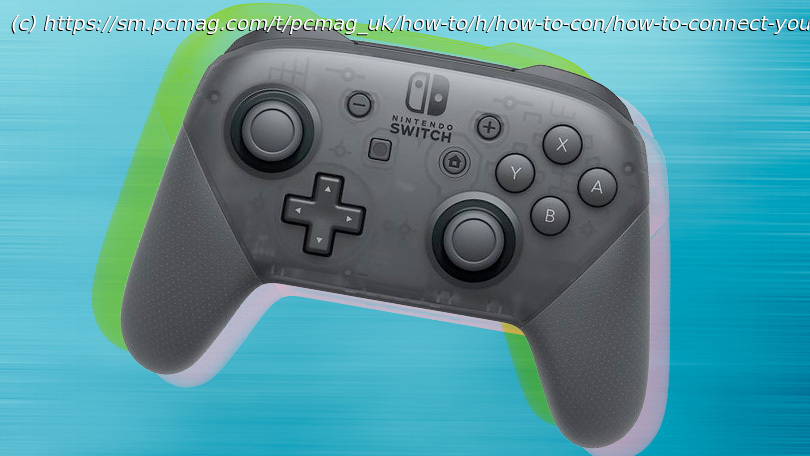
It’s easy to play your favorite Steam games with the Nintendo Switch Pro Controller. You can play other PC games with it, too, but it requires a bit of work. Here’s how to do it.
The Nintendo Switch Pro Controller is one of the best “baseline” controllers in the current console generation. It’s sturdy, feels good in hand, has an excellent directional pad, and features impressive motion sensors and vibration tech. On top of that, the gamepad uses Bluetooth, so you don’t need an adapter to connect it to your PC. The Switch 2 is coming in the next few months with a new Switch 2 Pro Controller that features programmable rear buttons and a headphone jack, but if you want a good gamepad right now, the original Switch Pro Controller is still one of your best bets. Here’s how to connect it to your PC.
The Pro Controller appears to Windows as a DirectInput controller rather than an XInput controller like the Xbox Series X/S gamepad (or the fancier Xbox Elite Core Controller), so it can be a bit of a chore to get it working with your PC games. Fortunately, Valve added full Switch Pro Controller support to Steam, which probably covers a good chunk of your game library. Non-Steam games require additional steps that we’ll walk you through.
Of course, you can’t use your Switch Pro Controller with your PC until you first connect it to your PC. You have two options: wired and wireless. Wired is simplest, but wireless is, well, wireless. And it requires a bit of work.Connect Your Switch Pro Controller to PC With a Wired Connection
That’s it! Windows 10 will detect the controller as a “Pro Controller.” Then, you can proceed to the Steam setup steps below.Connect Your Switch Pro Controller to PC With a Wireless Connection
You need a Bluetooth adapter or onboard Bluetooth, but it’s also easy. How to Setup Steam for Switch Pro Controller Use
To ensure everything works as it should between the Pro Controller and your PC game, you should use Steam’s Big Picture mode, the couch-friendly lean-back menu system that works well with a gamepad.