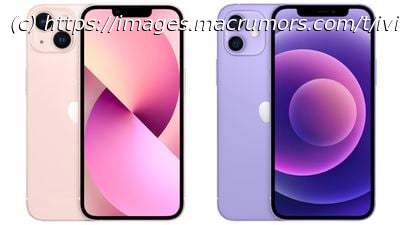
If you’ve got a new iPhone 13 to replace your current iPhone, there are a few ways you can migrate your data across to the new device. You can…
If you’ve got a new iPhone 13 to replace your current iPhone, there are a few ways you can migrate your data across to the new device. You can restore your apps, data, and settings from your most recent iCloud backup, restore from a backup on your computer, or you can use device-to-device migration to transfer your data directly from your previous iPhone to your new one. There are currently known issues with restoring your data from a backup, so this article focuses on how to perform a wireless device-to-device migration. Without doubt, device-to-device migration will be the most convenient option for most owners of a new iPhone 13. It transfers over information like photos, app data, login credentials, device preferences and settings, and more.






