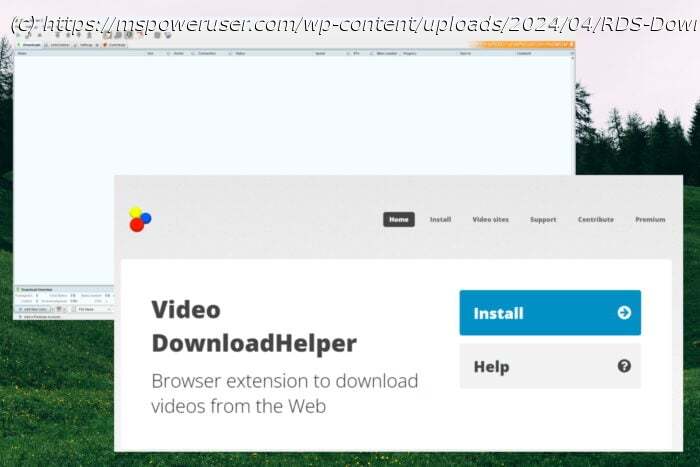
Explore these two amazing RDS downloader tools, and watch your favorite content without worrying about a steady internet connection!
In my search for the best RDS downloader, I tested over 15 apps to choose the ones that work optimally. Only two did their job, so it’ll be a short but helpful guide.
Read on to find out the details!
Video DownloadHelper is a great RDS downloader. This extension works with browsers such as Chrome, Firefox, and Opera. It easily saves content from various platforms, including RDS.
After opening the page with the video you want to grab, you just need to hit the play button. Then, you can open your Video DownloadHelper extension by clicking it.
Choose the quality you want, and press Download, as shown above.
The menu above will appear, allowing you to customize the download location. Click the green Save button to start the downloading process.
Depending on the size of the video, the file will be saved in a few minutes.
In Opera, I even received a pop-up message mentioning the download status.
You can then navigate to the file location, and play the video in your preferred media player.
Pros:
Cons:
Get Video DownloadHelper
JDownloader 2 is another capable RDS downloader that can grab content from a multitude of online platforms. It does require a bit of tinkering to work properly, but more on this is in the information below.
To start, open the app and paste the video link you want to download.
The software will then analyze the webpage and extract all the links it finds. This is where it gets tricky, as some web pages might include many videos, as you can see below.
First, click the Linkgrabber tab and click the + icon from the latest analysis.
Right-click the source folder for all the videos the app found, and click Disable to de-select them all.
Then, you must identify which video you want from the list. You can do so by right-clicking each and choosing the Open In Browser option or simply downloading the entire folder. When you do, right-click the clip and choose Enable.
Then right-click the same video again, and choose Add to Download List from the context menu.
JDownloader2 will now begin the download process for the selected video/videos. Once it’s done, open the file location to watch the content offline.
Pros:
Cons:
Get JDownloader 2
No, it’s illegal to download content from the platform or modify it without prior consent from the copyright owner.
To answer this question, I explored the Bell Media Website Terms (the mother company of RDS), and here’s what I found:
Disclaimer: The information provided on our website is intended for educational and informational purposes only. We do not endorse or promote the unauthorized downloading or circumvention of copyright protection mechanisms of any service mentioned on our site.
We understand and respect content creators’ and service providers’ intellectual property rights. Our discussions and reviews of downloader tools aim to inform our readers about the technological capabilities and potential legal considerations of using such tools. We strongly advise our readers to always comply with the respective platforms’ terms of service and respect copyright laws.
By using our website, you acknowledge and agree that you are responsible for ensuring your actions are legal and compliant with the terms of service of the platforms discussed. We disclaim any liability for the unauthorized or illegal use of downloader tools and any infringement of intellectual property rights.
Choosing the best RDS downloader involved testing many different apps.
Even though I could only find two that work, I’m sure they’ll provide you with a great downloading experience.