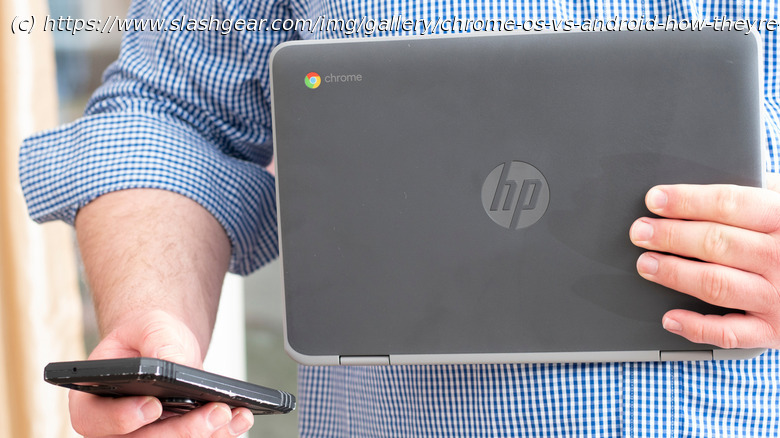
Chrome OS and Android are both part of Google’s vast mobile and digital ecosystem. However, there are key differences between the two. Here’s why it matters.
ChromeOS and Android are often mentioned in the same breath, which has a lot to do with them both being part of Google’s vast mobile and digital ecosystem. But while they share common DNA, including access to the Google Play Store and integration with services like Gmail, Google Drive, and Google Assistant, when you go beyond those basics, the two start to go their separate ways. While it’s true that the two can both run Android apps and have some things in common behind the scenes technology-wise, they’re built for different tasks, look different, and work in very different ways.
If you own or have ever used a budget-friendly laptop like the Acer Chromebook Plus 515, you’re familiar with Google’s lightweight ChromeOS operating system. Unlike Windows and macOS, ChromeOS is a cloud-based operating system that emphasizes the use of web applications and services, with Google’s unique Chrome browser acting as its primary interface. In contrast, Android is an operating system designed for mobile devices. All of that tapping, swiping, and pinching you do on your non-Apple smartphone or tablet, Android makes it possible.
What’s important to keep in mind is that these differences aren’t just technical; they affect how each system fits into your daily life. ChromeOS is built for getting things done on a laptop, while Android is made for using your phone or tablet with taps and swipes. While it might seem like these systems could be interchangeable, they’re built for different types of devices, and for most people, there’s really no good reason to use ChromeOS on a phone or Android on a laptop.






