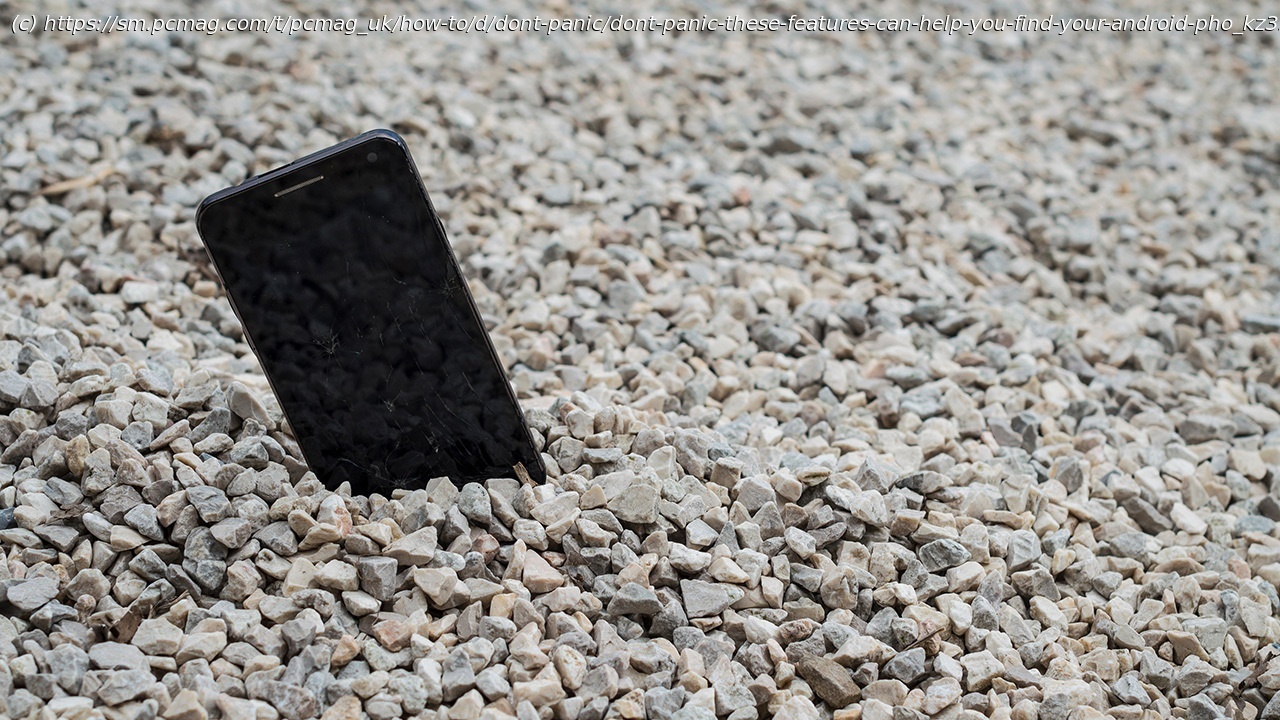
Your phone contains a lot of personal information, so you don’t want to lose it. Here’s how to locate an Android device using options from Google and Samsung.
Your Android phone is home to your favorite apps, sensitive data, and personal accounts. That’s why you want to be able to find it if it’s ever lost or stolen. Fortunately, there are several ways to track it down.
Google offers an app and website called Find My Device, which lets you locate your missing device, secure it, and even erase all data. Samsung phones provide an additional feature called Find My Mobile, which also allows you to hunt down your lost device. Here’s how to use Find My Device or Find My Mobile to ferret out your phone if it goes missing.Google’s Find My Device
Google’s Find My Device service is available as an Android app and standalone web page, and works with any Android device. If you’re already signed into your Google account, you should see a map with all your registered devices automatically displayed. From here, you can select the image of the device you want to find and track its location on the map.
You can then play a sound to ping the device, lock it, and display a message on the screen. If necessary, you can opt to wipe all your personal data so that a hacker can’t steal or compromise it. Google offers additional information to reference if you need to find, lock, or erase your Android phone.
If you think the device is within earshot, tap Play Sound to ping the phone or tablet. You’re then able to follow the sound until you come across the device. Even if your phone is not in the immediate area, the ping may alert a Good Samaritan who will find it and try to return it to you. When done pinging your phone, tap the Stop sound button.