Adjusting only a few TV settings can make those quiet, whisper-filled dialogue scenes much easier to hear.
Say you’re watching an edgy new streaming series and find yourself turning up the volume for every scene where two actors are engaged in a dramatic dialogue. It seems like both characters are whispering — until an explosion happens on screen, and the sound is the opposite, almost deafening.
What’s up with that? It’s not just the imbalanced proportion of sound that bothers you, and it’s not that your hearing is going bad. Keep reading, and you might find an easy fix for improving (and balancing) your TV’s audio quality.
In the scenario above, my first recommendation would be to turn on your closed captions. While enabling video subtitles is an obvious solution for understanding the dialogue, some people find on-screen text to be clunky and distracting. If you can’t stand reading scripts on your screen, try the following solutions.1. Experiment with these audio settings
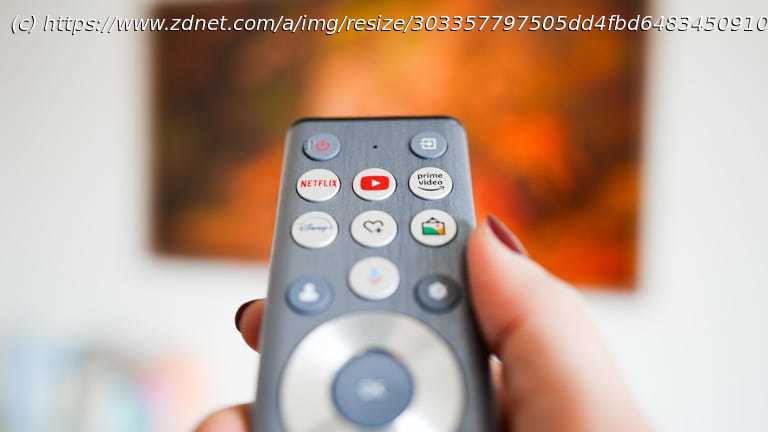
Excessive bass can hinder speech clarity, making words seem muffled or buried. Instead of adjusting individual bass and treble controls, begin by trying out the preset sound modes. Use your remote to locate the TV’s Audio or Sound section. While watching a TV show or movie with substantial dialogue, cycle through the modes to determine which option provides the best (or clearest) sound quality — such as Movie, User, or Standard.
If you find that the dialogue is still unclear, try a Dialog, News, or Speech Boost mode, if available. Sometimes, it even helps to disable audio enhancements, such as Bass Boost or Surround, which may negatively impact dialogue clarity. Lastly, consider slightly increasing the treble to enhance speech intelligibility.
Keep in mind that every TV and room has unique acoustics, so it’s worth experimenting with various settings to find what works best in your environment. 2. Adjust volume leveling
Volume leveling, also known as dynamic range compression, can be a useful tool and is found on most modern TV sets. By reducing the difference between the loudest and quietest sounds, volume leveling makes it easier to understand dialogue, especially in productions where the volume may vary significantly between action scenes and conversations.