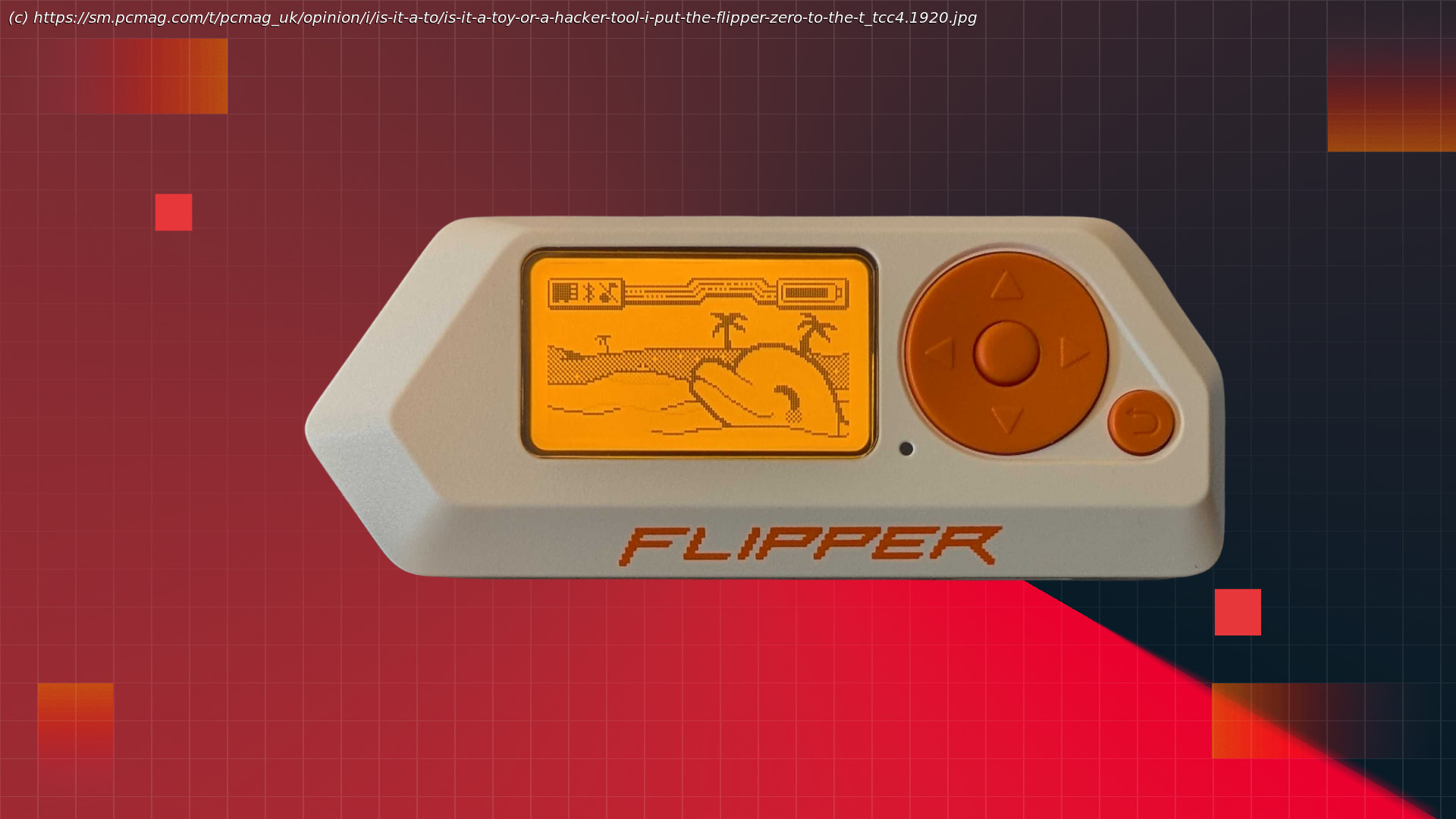
Cute on the outside, surprisingly powerful under the hood, the Flipper Zero is fun, educational, and more dangerous than it looks.
If you’ve ever dreamed of carrying an all‑in‑one gadget that can open your garage door, play a round of chess, or even poke at systems you probably shouldn’t, the Flipper Zero might be your new favorite toy. It’s essentially the Swiss Army knife of the digital age, packed with a massive library of open‑source tools and games.
At its core, the Flipper Zero is a gamified hacking device with a playful, almost toy‑like interface. Imagine a multitool with a built‑in mood meter and leveling system that reacts every time you use it. It’s designed to interact with a wide range of digital and control systems, and you don’t need to be a programmer—or know anything about “hacking”—to get started. The platform is intentionally beginner‑friendly, offering plenty of tools right out of the box without requiring advanced technical knowledge.
That said, as I quickly discovered after getting one, the rabbit hole goes deep. The Flipper Zero is an excellent jumping‑off point for anyone curious about how control systems work and eager to explore them further.The Price of Pocket Power
$199 gets you the Flipper Zero, a USB-C charging cable, and a small vinyl sticker. You can price out additional tools, such as the video game module for $49, a silicone case for $15, or a set of 3 screen protectors for $7.50. The pricing page also lists more advanced add-ons, such as prototyping boards for building custom modules and a Wi-Fi development board.Inside the Flipper: Buttons, Sensors, and Signals
To get a clearer picture of what the Flipper Zero is and how it works, I’ll walk you through what you get out of the box and how its various features work. You can also check out the company’s documentation page for more info.
The Flipper comes in a whimsically decorated cardboard box with a short USB-A-to-USB-C data and charging cable and a quick start guide. You will need a microSD card to get the Flipper up and running, so make sure you have one at the ready, as it’s not included. Flipper has a short YouTube video on how to pick the right card, stressing that you don’t need a top-of-the-line, high-capacity card. Any older, 16-32GB card will do just fine. I had success with an older 156GB Samsung card I had sitting around, but you certainly do not need to get one with that much capacity.
My Flipper weighs in at 3.56 ounces, giving the device a substantial feel in the palm thanks to its compact size, while remaining light enough to pocket or toss in a bag without being too noticeable. For reference, that’s about half the weight of my Pixel 9 Pro.
The orange, backlit 1.4-inch LCD is crisp and gets plenty bright for outdoor viewing, though no official specs are listed for nits or peak brightness. The screen defaults to showing a random animation of your dolphin from a large set of pre-loaded options while the device is idle.
The directional pad has a subtle tactile feel, and each direction, as well as the center button, pulls up different menus.






