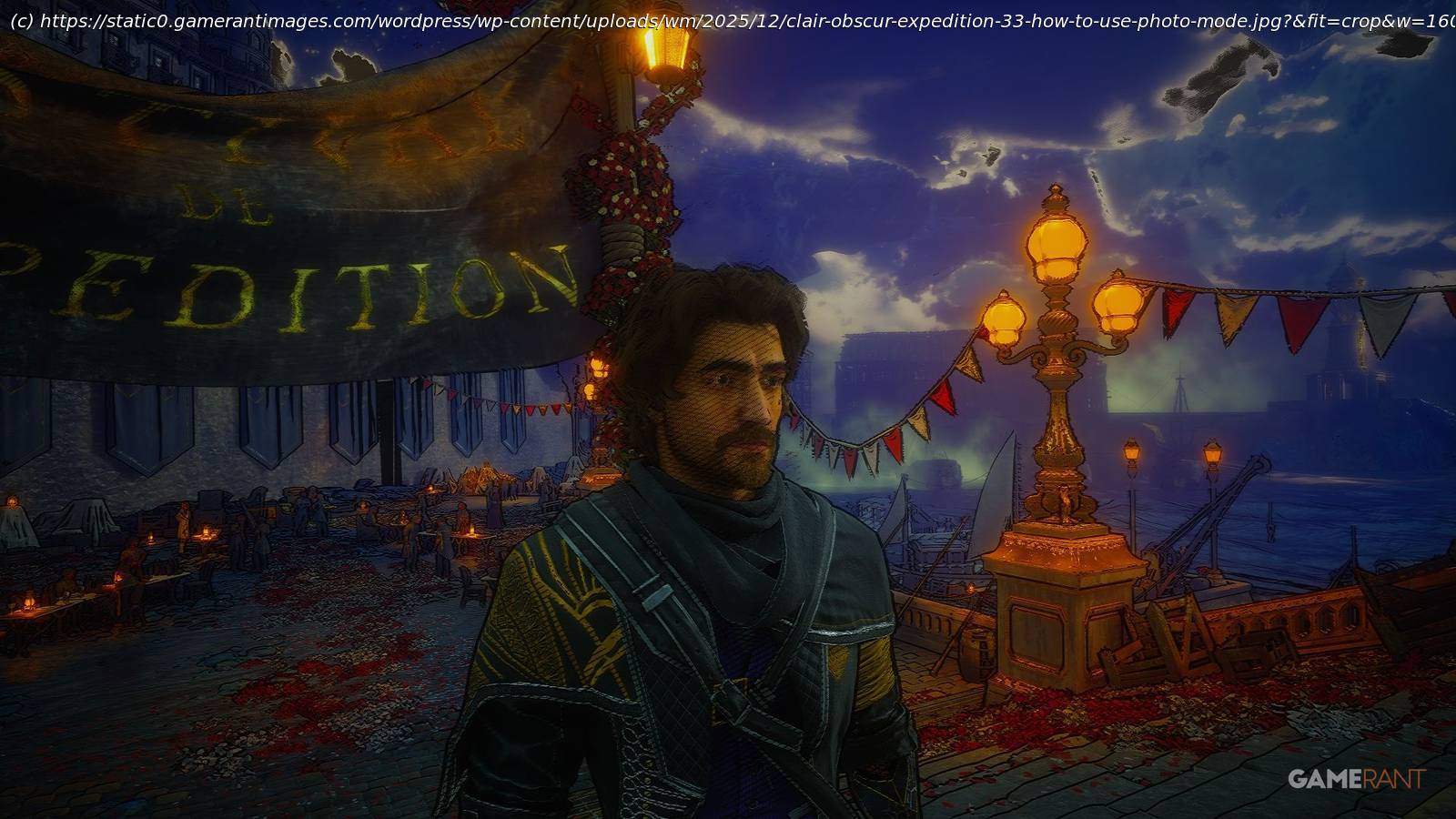
Find out how to use Clair Obscur: Expedition 33’s new photo mode, and discover everything you can do with it.
The newly crowned Game of the Year for 2025, Clair Obscur: Expedition 33, has released a new update, which includes the community’s most requested feature. With an in-depth Photo Mode, players are now able to capture their own expeditions like never before, using filters, lighting, and other effects to create art.
This guide will show players how to use Photo Mode in Clair Obscur: Expedition 33 and gloss over all the settings and options to get the best photos.
How To Use Photo Mode In Clair Obscur: Expedition 33
Opening Photo Mode in Clair Obscur is easy. Simply open up the options menu by pressing the back button and then select Photo Mode.
Photo Mode also acts as a free camera mode, allowing players to fly far away from their character to check out unseen parts of the game or capture unique angles.
On PC, players can fly around with WASD controls as well as E and Q to move up and down.