Unrivaled editing options.
Viewing PDF files in my browser or with Acrobat Reader is a piece of cake, but editing them is always an issue. I either have to pay for software I’ll hardly use or scour the internet for sketchy PDF converter websites with questionable functionality.
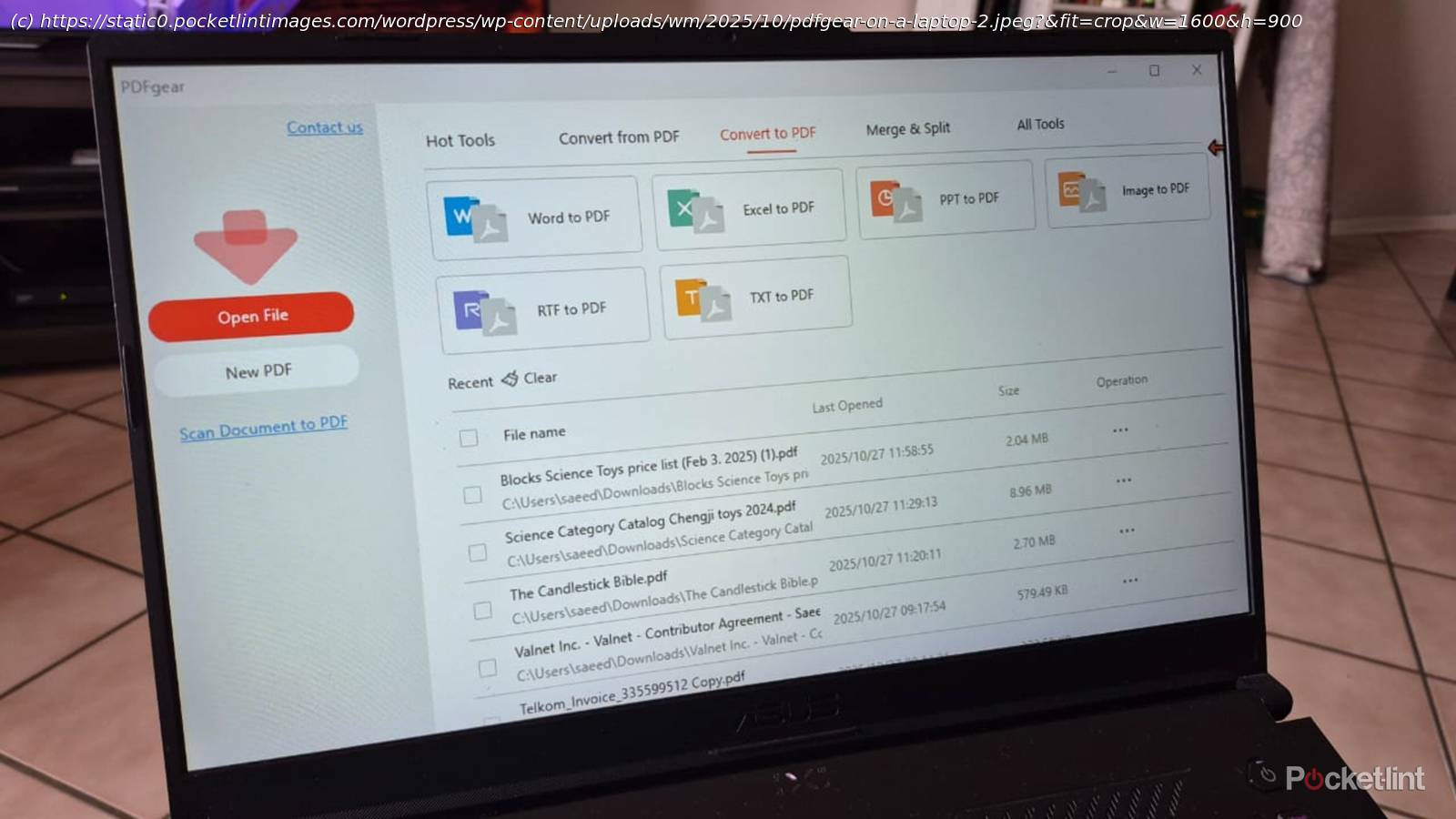
That’s why I was excited to come across a free app called PDFgear. It’s an all-in-one PDF viewer, creator, and editor available on multiple platforms so that I can use it on my Windows 11 laptop or Samsung Galaxy phone. I tried this free PDF editor for a week and won’t go back to Adobe after discovering these excellent features.
100% Free
No strings attached
Trying PDFgear was a no-brainer because it’s completely free, and I had nothing to lose. Many PDF apps I’ve tried either ask for cash upfront or lock certain features behind paywalls, which I only discovered after I’ve already started working on a document. Other free PDF apps require me to create unnecessary accounts to track me and sell my data.
There’s no need to create an account or log in to access the full range of features. I also appreciate that everything is straightforward, and I can work uninterrupted by unwanted ads or prompts to try other products.
Multi-platform capability
Mobile or desktop
I prefer using apps that work on my phone and laptop because they have a lower learning curve and let me sync my files between them. PDFgear works on Mac, Windows, and Android, so it’s accessible to me wherever I am.






