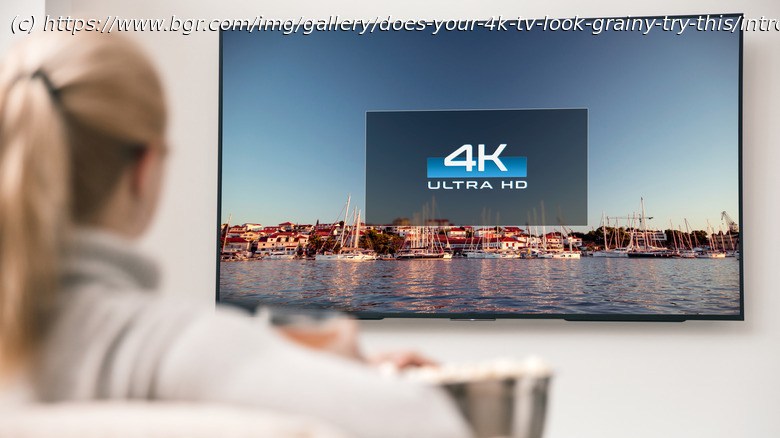
If your 4K TV doesn’t look up to snuff, it could be because its settings are incorrect for features like motion smoothing or edge enhancement.
You’ve done your research. You grab one of the best smart TVs on the market, you install it with all the right cables attached, and you’re all excited to see the high-quality visuals. Except, you turn on the set, and it’s blurry, grainy, or pixelated. What gives? A 4K TV should look incredible, vivid, detailed, and clear. But sometimes, the default settings on a TV can interfere. If you’re noticing your TV is blurry or grainy, try checking these settings.
First, hidden under Settings > Picture or something similar, you’ll want to make sure sharpness is turned down. That’s because sharpness actually comes with a feature called „edge enhancement“ when it’s cranked all the way up. It seems like this would help with details, but edge enhancement creates a thin line or halo around the edges of items. That can add grainy noise or distortion in the image, especially at a high resolution.