How to reuse old laptop SSDs with M.2 NVMe enclosures. Reviewing Insignia, Sabrent, and Ugreen cases for 10Gbps external storage and portable game libraries.
We may receive a commission on purchases made from links.
Many of you might not know that you can reuse old hard drives from your laptops or desktop PCs, provided they meet a certain criteria. Unfortunately, most eMMC or flash storage cannot be reused, simply because it cannot be removed — these storage options are found in Chromebooks and ultra-thin laptops. But if your laptop has an SSD and it’s removable, which they usually are, then you can absolutely repurpose it. The SSD alone comes in a proprietary open design, like a chipset or small form factor, but you can buy external cases to put them in.
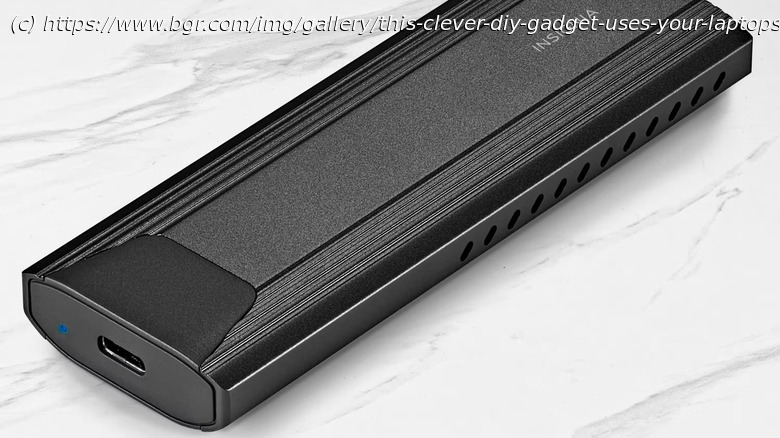
The Insignia M.2 NVMe to USB-C solid-state drive enclosure at Best Buy is a perfect example. You slide a compatible M.2 NVMe drive inside, seal it up, and then you can use it like a conventional external drive, plugging into your computer, laptop, or phone via USB-C. It offers transfer speeds up to 10Gbps — but that depends on the drive you use — ultimately giving you a super fast, ultra-reliable backup solution.






