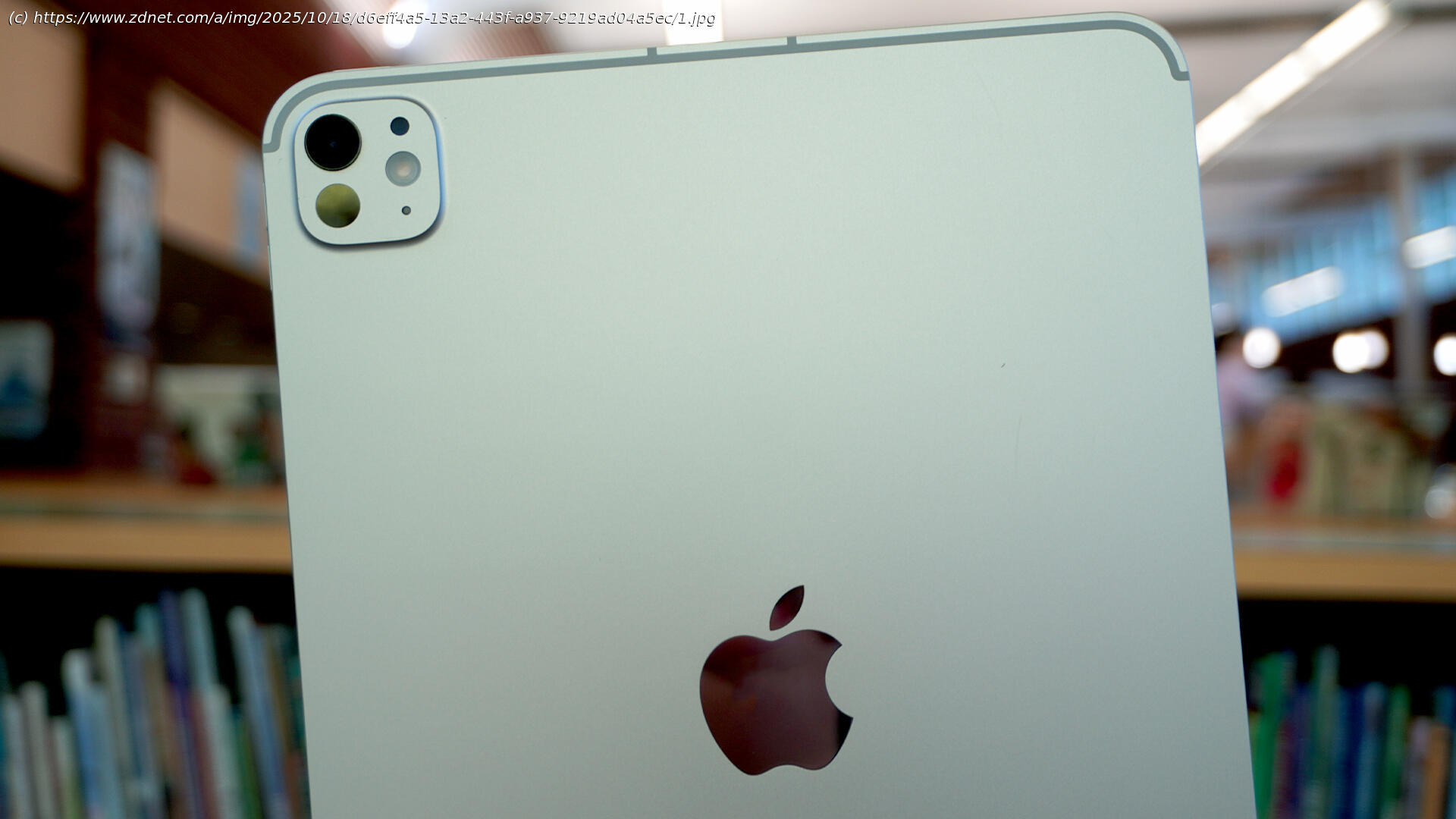
The latest iPad Pro features improvements in both performance and connectivity, making it a worthy upgrade for users of older iPads who want more.
Apple iPad Pro (M5, 2025)
The M5 iPad Pro is now available for purchase, starting at $999 for the 11-inch and $1,199 for the 13-inch variant.
It features Apple’s most powerful processor yet, promising faster speeds, improved AI workflows, and better efficiency.
It also runs on Apple’s most updated connectivity chipsets.
Apple recently announced its fastest and strongest processor: the M5. The new chip powers the latest iPad Pro and MacBook Pro, both of which are now available for purchase. The iPad Pro is renowned for being Apple’s most cutting-edge tablet, designed for power users and, according to the company’s claims, even capable of replacing a laptop.
I’ve used all the latest iPads, from the iPad Mini to the iPad 11, the iPad Air, and the iPad Pro with M1. Based on a few weeks of use, the iPad Pro with M5 is already the best performer of all – and it’s not even close.iPad Pro (2025)
The iPad Pro with the new M5 chip is Apple’s most powerful tablet to date and is now available for purchase.
Samsung Galaxy Tab A9 Plus 64GB Wi-Fi 11-inch Tablet (Graphite):
$180 (save $40)
Apple iPad 11-inch 128GB Wi-Fi Retina Tablet (Blue, 2025 Release):
$299 (save $50)
Samsung Galaxy Tab S6 Lite 128GB Wi-Fi Tablet (Oxford Gray):
$280 (save $120)
Amazon Fire HD 10 32GB Tablet (2023 Release, Black):
$70 (save $70)
Samsung Galaxy Tab S10 Plus 256GB Wi-Fi 12.4-inch Tablet (Moonstone Gray):
$850 (save $150)
Visually, the iPad Pro is sleek and appealing. It features a thin, unassuming build that makes it almost unsettling when you consider how much power is packed into something so light — especially when testing the 11-inch variant. Apple also offers the 12.9-inch iPad Pro, in case you require the extra screen real estate, but the 11-inch size is just right for everything I need on a tablet.
I’d been using the 13-inch iPad Air with the Magic Keyboard for a few months, which was impressive enough to replace my MacBook Pro for most tasks, but not all of them. The iPad Pro with the M5 chip and iPadOS 26, however, got me the closest to the laptop experience than any iPad, often even surpassing my MacBook’s performance, even in the 11-inch form factor.
My biggest gripe with Apple’s claim that an iPad can replace a laptop in a pinch has always been that the mobile experience inherent in the iPad interface simply can’t beat MacOS — or any laptop experience, for that matter. You could, with Samsung DeX, for example, enjoy a laptop-like experience on a Samsung Galaxy tablet, but the iPad just hasn’t cut it — until iPadOS 26.
With iPadOS 26, the enhanced windowing system (which allows you to freely arrange, resize, and layer multiple apps, access your menu bar, and view docked folders, among other things) has given Apple’s ultraportable form factor more functionality that not only makes the iPad that much more like a laptop but also more intuitive.






