Your phone already has powerful spam protection tools—you just need to activate them. We show you how on iPhone and Android.
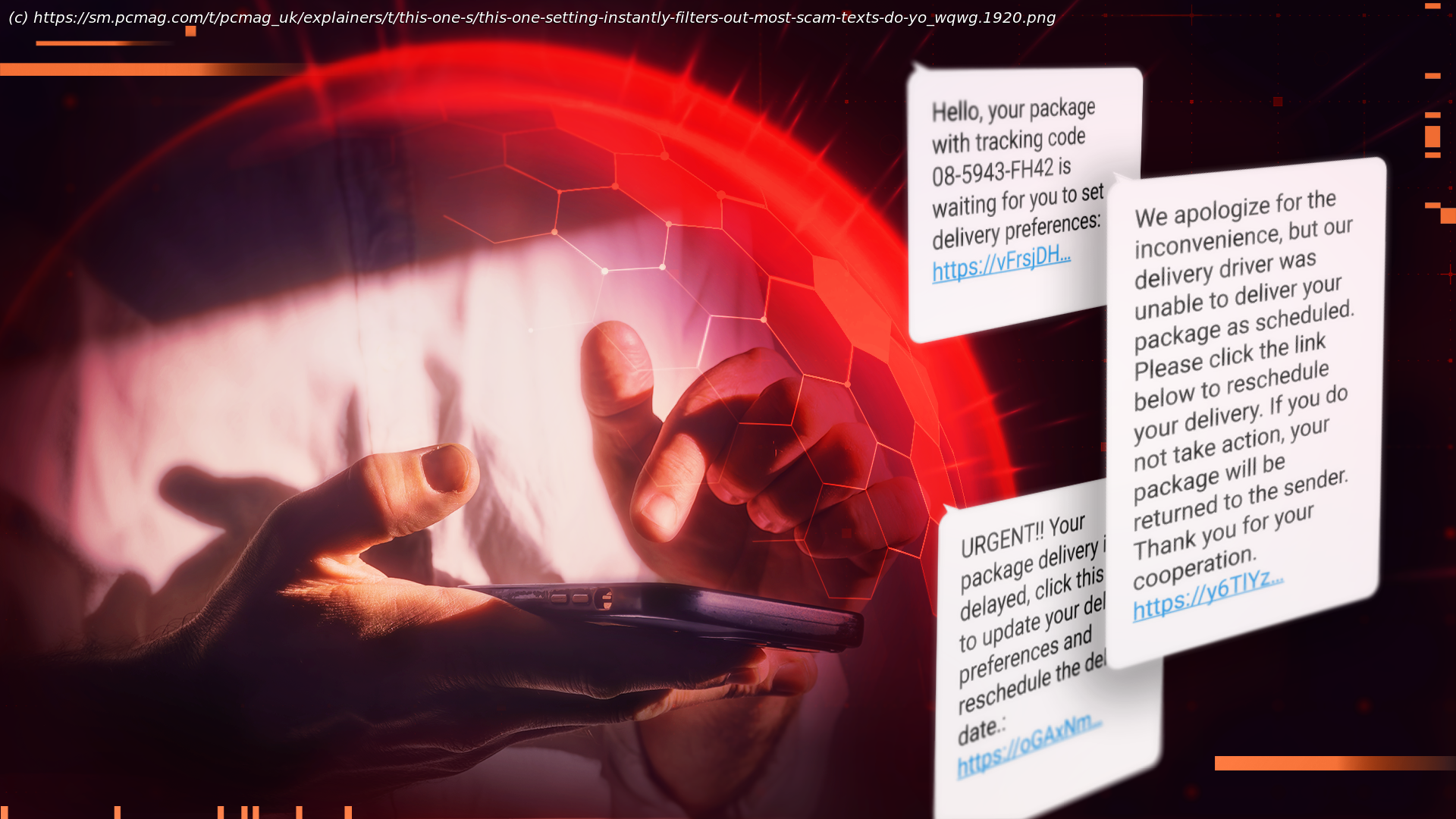
It’s the holidays, so my phone is abuzz with messages. The problem is, most of the texts I’m receiving aren’t from family and friends. Instead, I’m inundated with offers for tax prep assistance, back tax relief, several „stim checks“, an assortment of free gifts, and plenty of request confirmations. These phishing messages are the siren songs of scammers and spammers attempting to lure new victims into clicking a link, opening an attachment, calling a number, or installing malware. Luckily, just as you can fight against robocalls and unwanted email, you can block and stop robotexts using the right tricks and tools.Turn On Built-In Message Filters
It’s not always easy to tell if a message is legit. That’s why it’s a good idea to turn on your phone’s messaging filters. In iOS, go to Settings > Apps > Messages, and scroll down to the Message Filtering section. Enabling this setting sorts text messages from unknown senders into a separate folder, allowing you to safely ignore them. On Android devices, Google automatically sorts messages from unknown senders into folders labeled Spam or Unknown.
Stay skeptical when reading messages from numbers that aren’t in your phone’s contact list. The logic is, if the phone number is one that you’ve consciously saved, even if it’s your doctor’s office, or your kids‘ schools, it’s more likely to be a message meant just for you. If you don’t recognize the number, or it isn’t a phone number you’ve saved, read the message with caution, and don’t tap or click any links.
The reason for this seeming overabundance of caution is that so-called „wrong number scams“ are on the rise. That’s where scammers will pretend to be someone you used to know, someone you want to date, or just a friendly stranger, and will soften you up with pleasant conversation before inviting you to a crypto investment group or asking you for money as part of a romance scam.
When you get around to reading the messages in your Spam or Unknown folders, look at them with a healthy dose of skepticism. For example, if you get a message offering a discount on your car payment and you don’t own a car, don’t respond to the message! On the other hand, if the messages appear to be from someone you expect or a service like your doctor’s office, either call the last known number of the friend who messaged you or look up the office’s number online and call them back. Either way, you’re confirming the identity of the person messaging you, which can help you avoid fraud.
Google’s Circle to Search feature allows you to scan text messages and use information from the web to determine whether the message is a scam or not.






