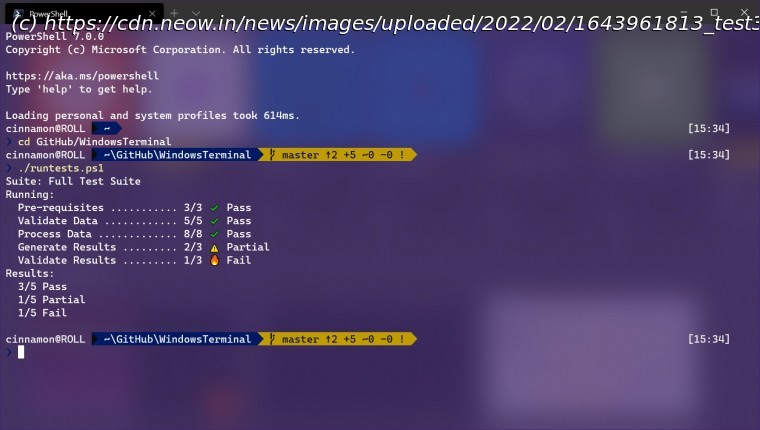
News, Reviews & Betas which includes large community peer support Microsoft has rolled out version 1.13 of Windows Terminal Preview. It includes a new text rendering engine for better performance, the ability to launch admin profiles, and a revamped settings UI.
Windows Terminal is an essential utility if you are prefer command-line interfaces (CLI) and we already know that Microsoft is looking to make it the default CLI experience in Windows 11 soon. If you’re an ardent user of the interface, you’ll be happy to know that the company has released version 1.13 of Windows Terminal Preview. Windows Terminal Preview 1.13 includes a revamped settings interface that has been updated to align with the design language of Windows 11, thanks to WinUI 2.6. There is also a new profile setting that enables you to automatically launch a profile as an admin. If you’re operating in an unelevated window, launching this profile will open a new window. However, if you’re already in an elevated window, launching the admin profile will open it in the same window. There are new “elevate” arguments to cater to this configuration for some Windows Terminal commands too. Interestingly, Microsoft has also introduced a new text rendering engine. The company has noted that the performance benefits aren’t noticeable in most use-cases but in some edge cases, such as those where you’re displaying lots of colors, there will be significant performance boosts. In these cases, the updated rendering engine will draw and display your text at your panel’s refresh rate. That said, Microsoft has cautioned that since this a preview build and a work in progress, it is slightly unstable at this point and does not have all the features of the existing engine. For now, it can be enabled via settings, but Microsoft will keep improving it over time until it is ready to replace the current text rendering engine. The company also noted that: Apart from this, there are lots of minor changes here and there such as an customizable bell sound, new actions, support for snap layouts in Windows 11, and lots of other big fixes. You can check out all the details here. Windows Terminal Preview 1.13 can be downloaded from the Microsoft Store or its GitHub repository. It will initially be flighted in preview builds of Windows for testing purposes before it becomes generally available. It is also important to note that the minimum supported version of Windows 10 required to install Windows Terminal 1.13 and above has been changed from build 18362 (version 19H1) to build 19041 (version 20H1).






