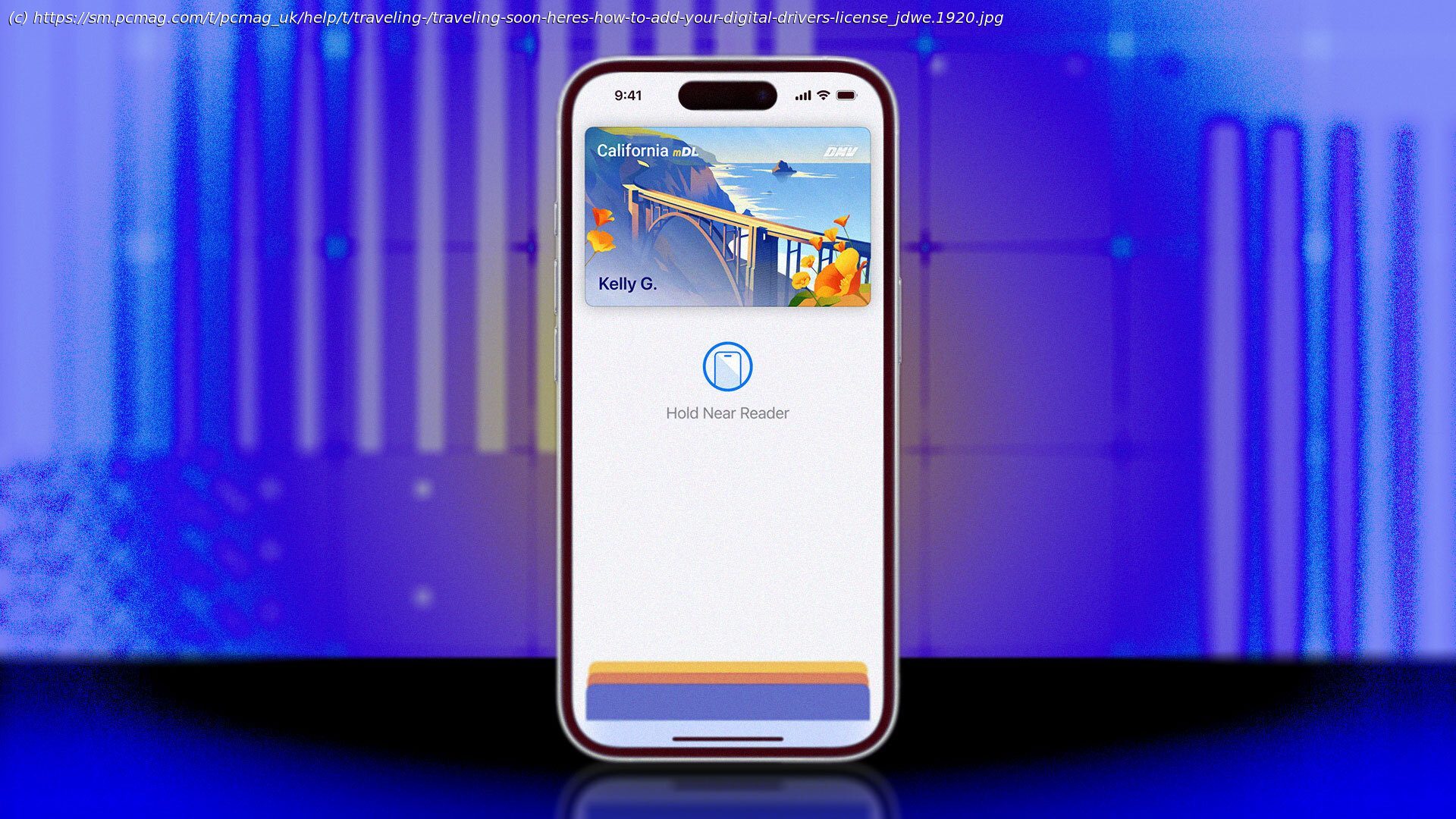
Tired of pulling out your ID at the airport? Illinois is the latest state to support driver’s licenses and IDs in Apple Wallet, which you can scan at TSA checkpoints and other supported locations.
From credit cards and car keys to event tickets and transit passes, Apple’s iPhone can now hold all the physical objects you once crammed inside a pocket or purse. The latest credential the company lets you store in Apple Wallet is your driver’s license, state ID, and passports. Residents of several states can quickly add their IDs to their iPhone or Apple Watch, then use it in place of the physical card in certain situations. Here’s what you need to know before you add your own.Which US States Are Supported?
Many US states and territories offer digital IDs, but only a small portion of them are compatible with Apple Wallet. For instance, the New York Mobile ID app will be accepted by the TSA, but it doesn’t work with Apple Wallet. At this time, 13 US states and Puerto Rico participate in a mobile ID program that is compatible with Apple Wallet: How to Add a Driver’s License to Apple Wallet
Start by opening the Apple Wallet app on your iPhone. In the top-right corner, tap the plus (+) sign, select Driver’s License or State ID, then choose the state.
You’ll need to scan the front and back of your physical driver’s license.






