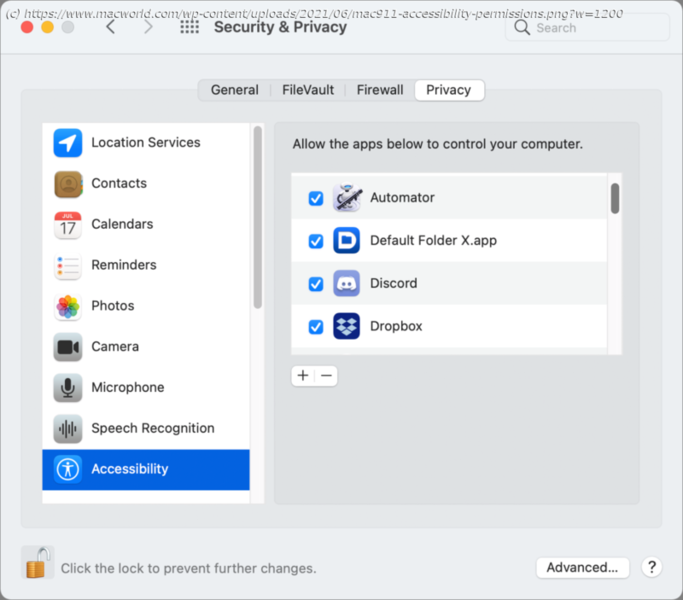
Accessibility access is often required for utilities. There’s a Terminal trick you may need to use when you can’t grant that permission.
After a recent restart of my Intel Mac running macOS 11 Big Sur, several apps told me I needed to grant them permission to Accessibility via the Security & Privacy preference pane’s Privacy tab. Apps like Default Folder, Dropbox, LaunchBar, Pastebot…well, a lot of software that uses macOS features intended to provide accessibility for other purposes, like pasting, modifying dialog boxes, making selections, and so forth. Of course, I’d already granted permission when I installed them or upgraded to Big Sur, depending on the software and the permissions it requested. Why was it asking me now? A query to the folks at St. Clair Software, makers of Default Folder, revealed that this was a common question from their customers, too.






