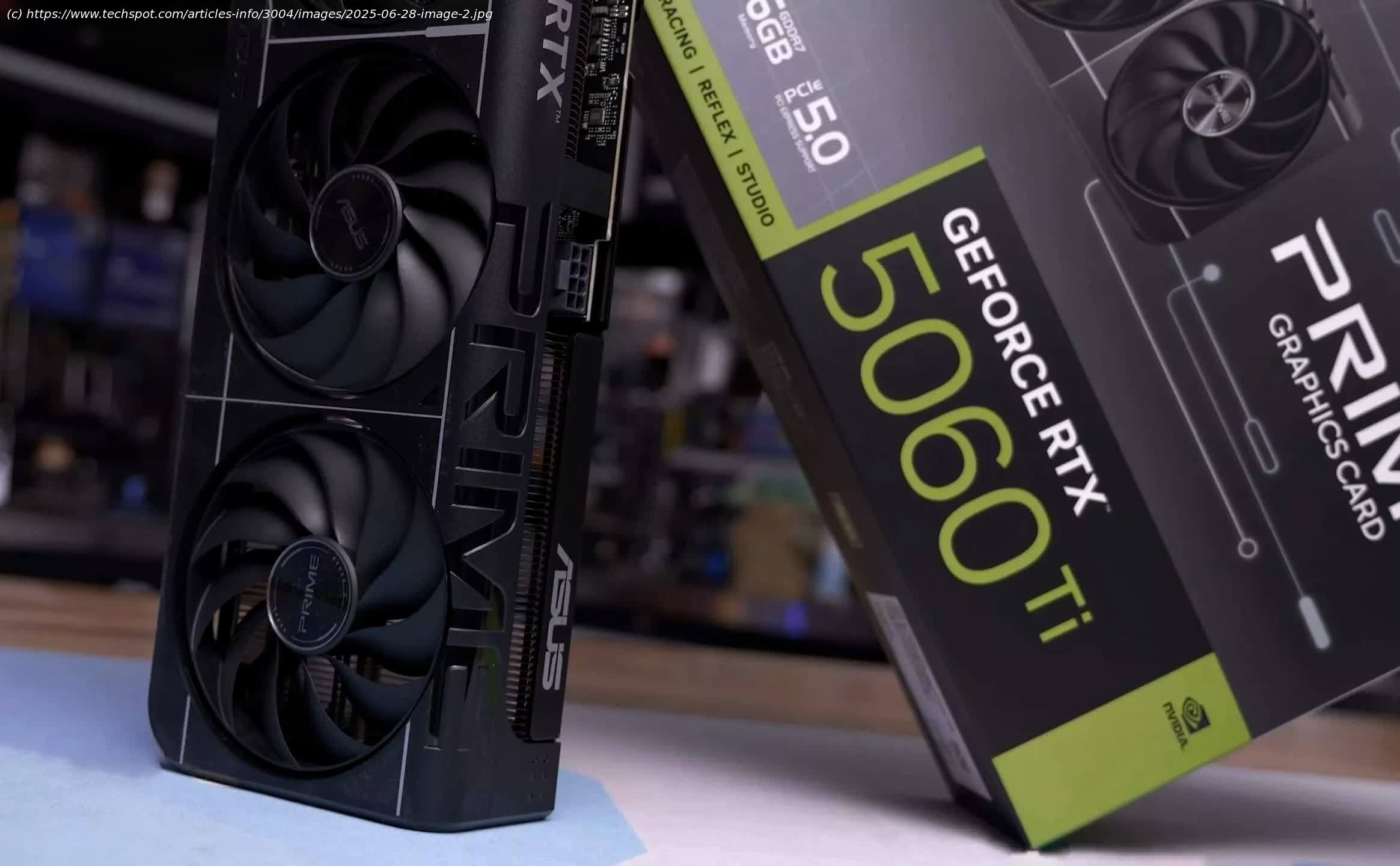
We test how PCIe bandwidth impacts 8 GB GPUs like Nvidia’s RTX 5060 when VRAM is exceeded and fall back to RAM. Let’s see how bandwidth plays.
Recently we examined how PCI Express bandwidth influences the performance of the 8 GB Radeon RX 9060 XT when local video memory (VRAM) is exceeded. The entire purpose of that testing was to push past the VRAM limit, which, unfortunately for 8 GB graphics cards, is a relatively easy task in 2025. This can happen even when using settings that would otherwise be highly playable, as demonstrated by the 16 GB model.
This is an interesting test for several reasons, the most notable being that PCIe bandwidth becomes a primary bottleneck when required VRAM is exceeded. Increasing bandwidth can help reduce the performance penalty of moving game assets into local system memory (RAM).
Understanding VRAM and PCIe Bandwidth
To briefly explain, when VRAM runs out, game assets are shifted to system RAM. The data must pass through the PCI Express bus to the CPU’s memory controller and then out to RAM, where it can be stored.
The reason why this is often catastrophic for performance is bandwidth. In the case of the GeForce RTX 5060 Ti, the VRAM has a peak bandwidth of 448 GB/s, which is quite a lot. In contrast, the theoretical peak bandwidth for system memory is much lower – around 96 GB/s for dual-channel DDR5-6000 and approximately 50 GB/s for dual-channel DDR4-3600, depending on several factors.
The key takeaway is that 50 to 96 GB/s is considerably less than 448 GB/s, and this doesn’t even account for increased latency. These figures also ignore the PCIe interface as a potential bottleneck, which can further reduce effective bandwidth depending on the setup.
PCI Express 5.0, for example, provides a bi-directional bandwidth of 128 GB/s with all 16 lanes available. That drops to 64 GB/s for PCIe 4.0 and 32 GB/s for PCIe 3.0. However, the RTX 5060 Ti is limited to just 8 lanes, so these figures are halved again: 64 GB/s for PCIe 5.0, 32 GB/s for PCIe 4.0, and only 16 GB/s for PCIe 3.0.
This means that when the 8 GB VRAM limit is exceeded, performance could be significantly better on PCIe 5.0 compared to 4.0 or 3.0. And that’s exactly what we explore in this review.
For testing the RTX 5060 GPUs, we will focus on upscaled 1440p – so not native 1440p, but also not 1080p. As we’ve demonstrated in the past, it’s very easy to overwhelm 8 GB GPUs at 1080p in modern games using settings that are still very playable on a 16 GB model. Furthermore, these 8 GB GPUs were not ‘intended’ or ‘designed’ specifically for 1080p gaming. That claim is simply untrue and not reflected in how these products have been marketed.
AMD, for example, has consistently promoted the 9060 XT as offering ultra-fast 1440p gaming. Nvidia has also officially showcased the 5060 Ti at 1440p using maximum quality settings, albeit with 4x frame generation enabled. The point is, neither company is marketing these $300+ GPUs as 1080p-only solutions, and rightly so. At this price point, buyers should expect capable 1440p performance, which happens to be what you receive as long as you purchase the 16GB model.
Our test bed will be our usual high-end 9800X3D test system to assess PCIe performance specifically. This allows us to isolate the PCIe bus and evaluate how much PCIe bandwidth influences performance when the GPU accesses system memory.
We measured the 8 GB 5060 Ti’s performance using PCIe 3.0, 4.0, and 5.0, and compared it to the 16 GB 5060 Ti running on PCIe 3.0. This data is useful for users who don’t have PCIe 5.0 systems, as many CPUs and platforms still rely on PCIe 4.0 or even 3.0.
Let’s dive into the benchmarks.
Starting with Dragon Age: The Veilguard, performance goes from bad to worse for the 8 GB model. But first, let’s discuss the 16 GB card, which we tested using PCIe 3.