A bright mini-LED TV with high contrast and little glare
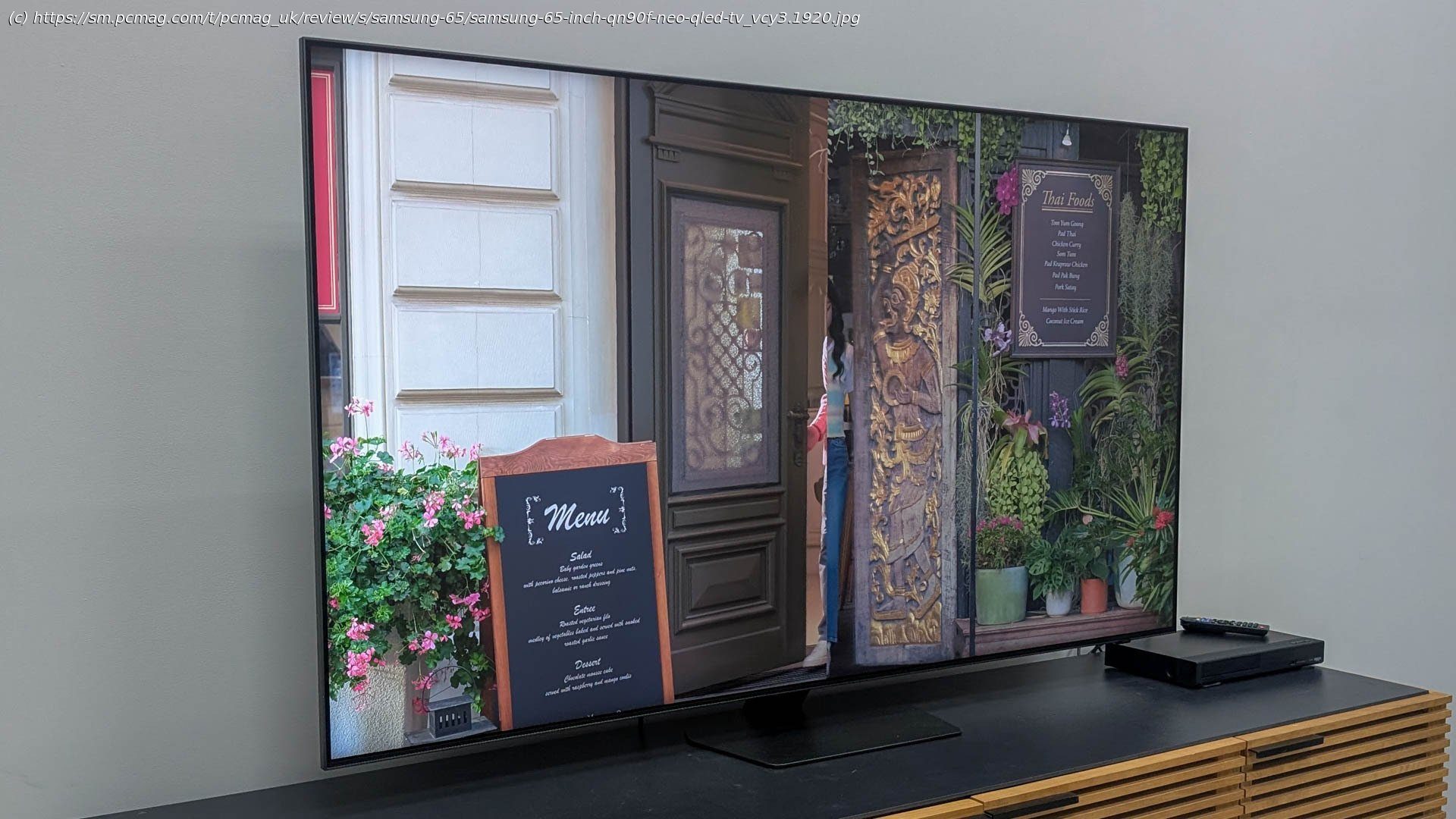
The Samsung QN90F is the company’s latest flagship 4K mini-LED TV, replacing last year’s excellent QN90D. It keeps its predecessor’s ample feature set while adding a glare-reducing screen treatment and offering a faster variable refresh rate for gaming. It’s also much brighter than the QN90D while showing perfect blacks and minimal light bloom. Like all of Samsung’s high-end TVs, the QN90F is very pricey, with the 65-inch model I tested retailing for $2,499.99. It also lacks Dolby Vision, and while its smart TV platform is filled with features, it’s also rather clunky and overbearing. On a pure picture level, the QN90F is a winner, but the Hisense U8QG outshines it both literally and as a value proposition with a brighter panel, a lower price, and a more streamlined interface, so it continues to be our Editors’ Choice for LED TVs.Design: No Bezel or Glare
The QN90F looks sleek, with an effectively bezel-free design that lets the screen extend from edge to edge. A small bump on the lower-right corner holds the TV’s infrared sensor. The 65-inch model sits on a fairly small gray metal stand, and it can also be mounted on a wall. Most ports sit in a recessed area on the right side of the back of the TV, facing right. That includes four HDMI ports, two USB ports, an optical audio output, a headphone jack, an Ethernet port, and an antenna/cable connector.
The screen features Samsung’s Glare-Free technology, a panel treatment that helps reduce light reflections. This doesn’t mean it should be used outdoors or with the sun blazing directly through a facing window, but it seemed to reduce distracting glare from bright overhead lights in testing.
Like all of Samsung’s high-end TVs, the QN90F comes with the company’s SolarCell Remote. It’s a very simple rectangular black wand with two benefits over most other remotes: A rechargeable battery and a solar cell. You can keep the remote charged by plugging it into a USB charger through the USB-C port on the bottom or by flipping it over and keeping it out under a light source. It’s much more convenient and environmentally friendly than periodically needing to replace disposable batteries.
The remote has a large circular navigation pad near the top with power, AI, microphone, and settings buttons above it, along with a pinhole microphone. Menu and playback buttons sit below the pad, with volume and channel rockers further down and dedicated service buttons for Amazon Prime Video, Netflix, Samsung TV Plus, and YouTube below them.