A low-friction path to setting up my local LLM
Reading about people setting up self-hosted LLMs always felt too technical and out of reach for me. Especially since most guides seem to assume you already understand what you’re doing. So it wasn’t really a lack of interest that held me back, but more so the fear of failing to set up a local LLM properly.
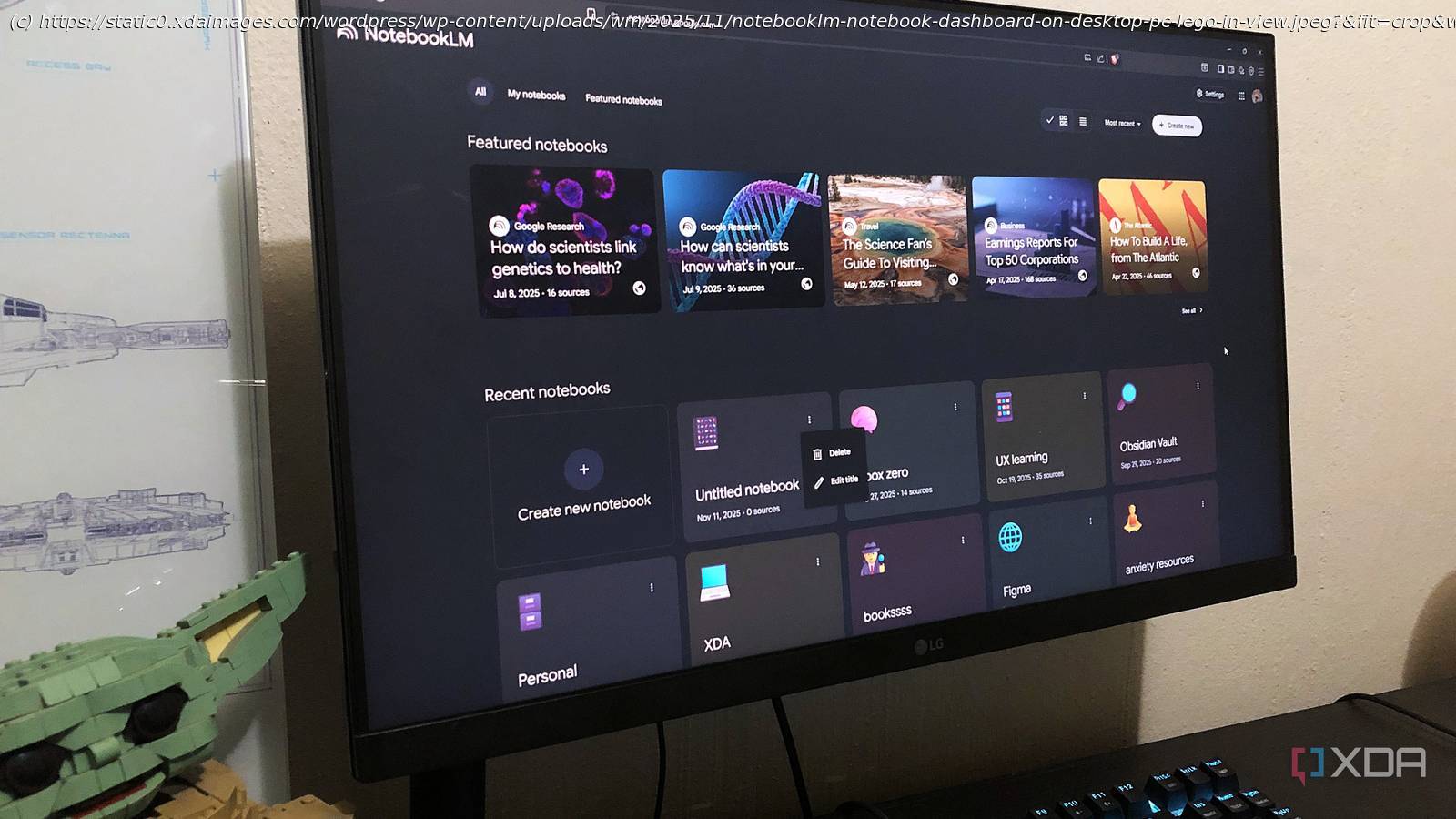
Turns out, it’s much easier than I thought – at least with the right tools. NotebookLM was one of them. It helped me slow the whole process down and actually understand what I was doing instead of skimming past jargon hoping for the best. I dropped in documentations and tutorials, and asked it to break things down for me in small steps and plain language. Here’s how it went…
Learning what a self-hosted LLM is
Anyone can set one up
I started with some basic research to get myself up to speed. To simplify what I’d learned: A self-hosted LLM is a large language model that runs on hardware you control instead of on someone else’s servers. When you use something like ChatGPT or Claude, your prompts are sent over and processed on a remote data center, and the results sent back to you.
With a self-hosted LLM, that loop happens locally. The model is downloaded to your machine, loaded into memory, and runs directly on your CPU or GPU. So you’re not dependent on an internet connection or limited by usage caps and subscriptions, and your data never leaves your device. So basically, you’re running the model instead of renting it.
A lot of people associate self-hosting with setting up Docker containers or managing similar infrastructure. While that is one way to do it, it’s not a requirement.