There are a few hurdles in your way, but the price may be worth it.
I think a lot of people are pining for the old days of collecting movies and shows, at this point. It was easy to be enthusiastic about streaming when it seemed like Netflix and Hulu were replacing Blockbuster — but today, content is fractured across so many services that you can end up paying just as much as you would for a cable package if you want a wide selection. A common habit is to flip a service on for a month or two, then cancel once you’ve seen what you came for.
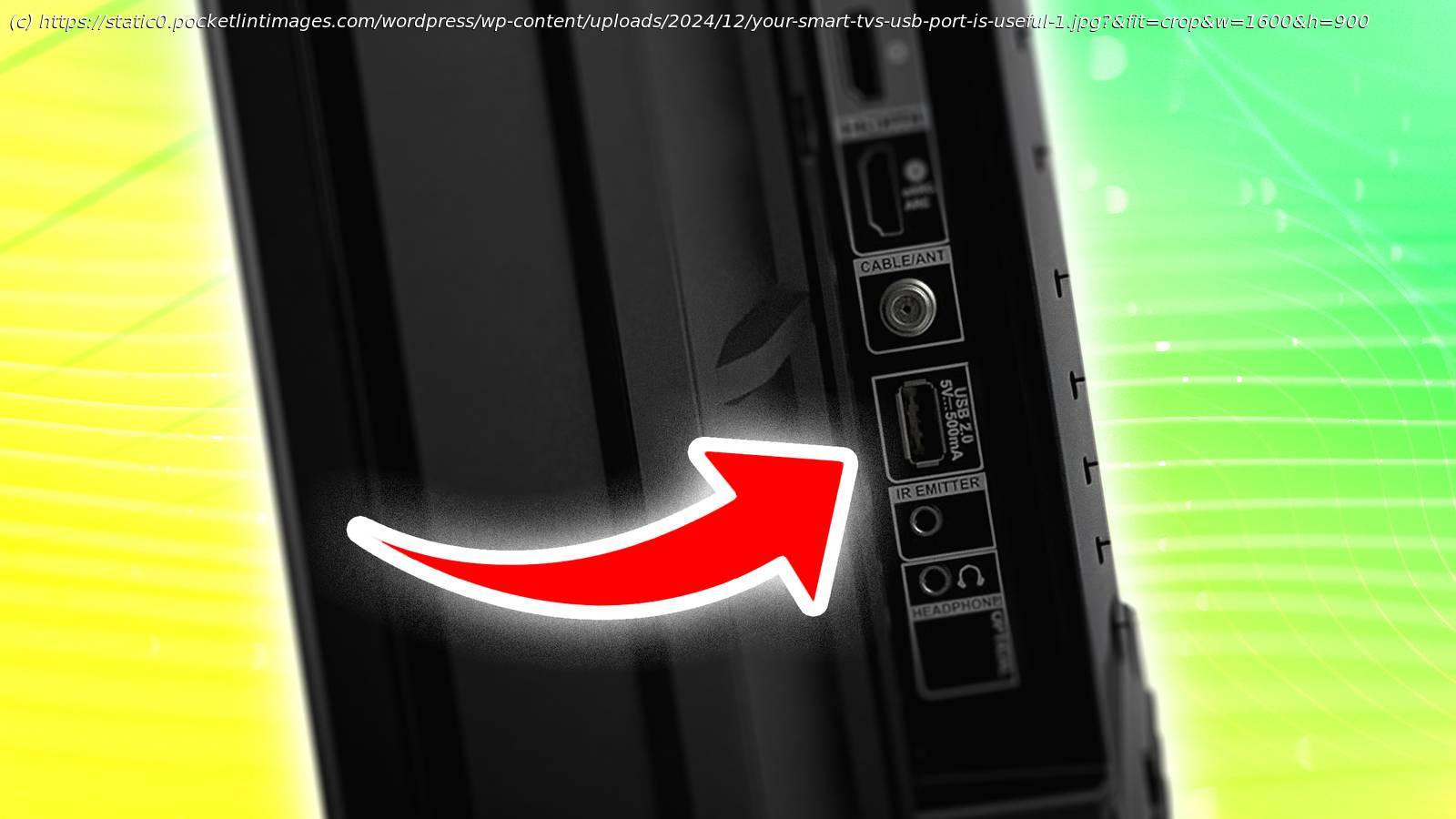
There are a few ways to approach permanent (or quasi-permanent) ownership, such as collecting Blu-ray discs or paying for downloads from Apple or Google. In this guide, though, I’m going to tackle an option that’s both simpler and more complex — creating a portable video library you can plug directly into your TV’s USB port. It’s not for everyone, for reasons that will become clear shortly.
Collecting and converting videos
Be prepared for some barriers
Building a digital library is arguably the hardest part of the equation. The issue is that while a number of companies will gladly sell you digital downloads, those files are protected by DRM — they can’t be played outside of the host apps/services that you bought them from. This is intended to deter privacy, though in reality, it’s more of an inconvenience for legitimate owners.
You’ve got a few ways of getting around this. The first is to amass a collection of Blu-rays and/or DVDs, then « rip » them to a drive on your computer. One of the most popular ripping tools is Handbrake, although you may need to research and install appropriate plug-in software to get past Blu-ray’s copy protection schemes. I’m being cagey about the details for obvious reasons.
The ripping approach has a few downsides. Apart from the time involved and the cost of discs, you’ll need a Blu-ray drive compatible with your PC or Mac, which you probably don’t own — most computers lack an optical drive these days. You’ll also need enough free hard drive space to accommodate the videos you’re ripping. While DVD movie rips tend to be under 2GB apiece, 4K Blu-ray rips can easily balloon into dozens of gigabytes. If you’re willing to sacrifice fidelity, you can keep file sizes reasonable by ripping Blu-rays to 1080p resolution. You may want to rip files straight to the USB drive you intend to use with your TV — but finish reading this guide before you try that.