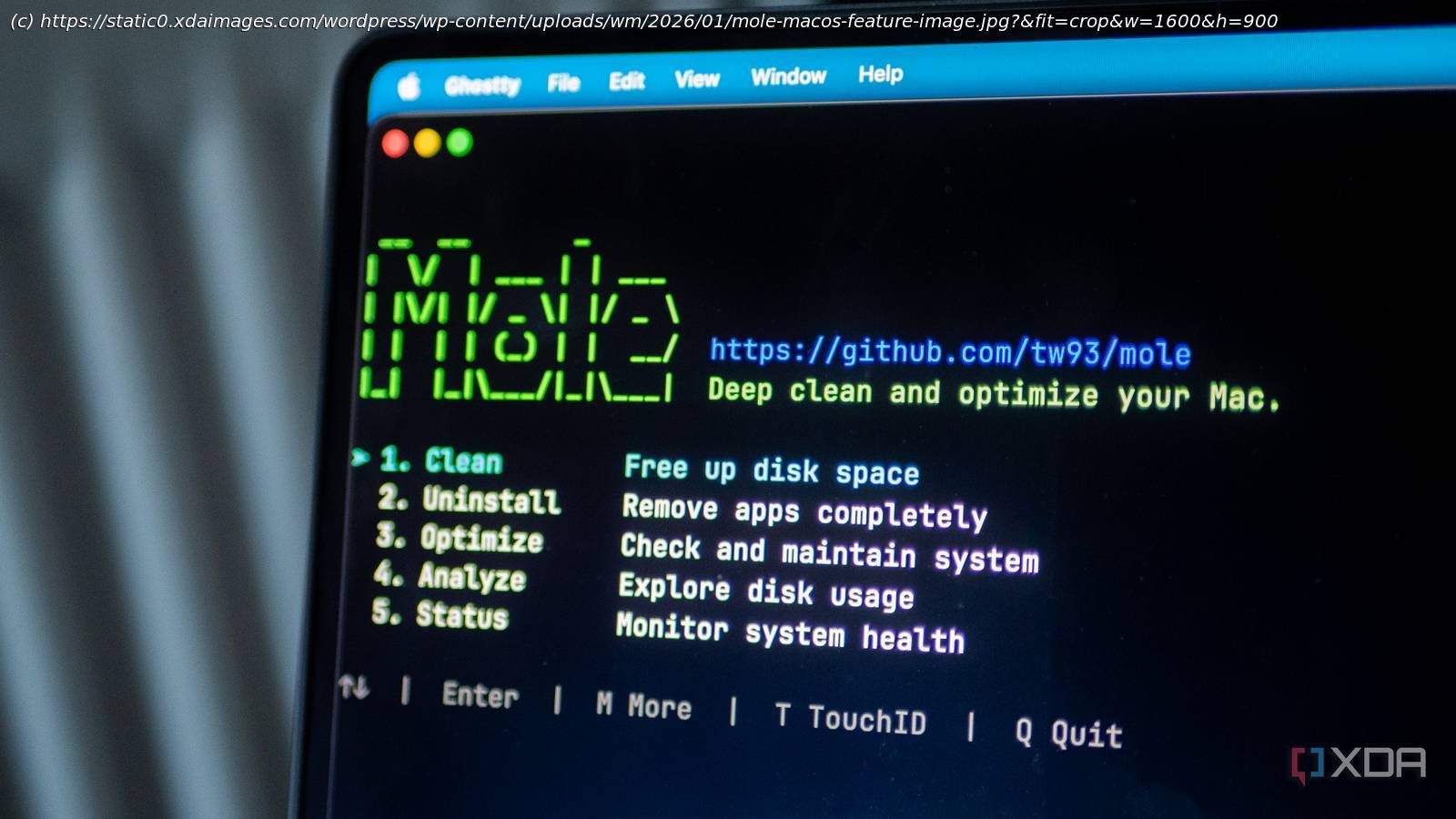
It’s a Swiss Army Knife of system cleaners.
macOS has a reputation for being a less user-controlled experience, but to be honest, it couldn’t be further from the truth. Users have a huge amount of control when it comes to the operating system, and even if there are more hoops to jump through, there are countless tweaks and useful software packages that you can install. And one I recently found and instantly loved is called Mole.
What is Mole?
A Swiss Army Knife for your Mac
Mole is a free, open-source command-line utility that handles deep system cleanup, app uninstallation, disk analysis, and real-time monitoring, and it works directly from your terminal. Created by tw93, the developer behind Pake (a popular tool for converting websites into desktop apps), Mole consolidates the functionality of apps like CleanMyMac, AppCleaner, DaisyDisk, and iStat Menus into a single lightweight binary. There are no upsells or subscriptions, and it’s just a straightforward system maintenance tool that actually works.
The « mo clean » command is the centerpiece of Mole, as It scans your system for caches, logs, browser leftovers, and temporary files that quietly accumulate over time. I ran it on my MacBook and watched it identify 40 GB of reclaimable space, mostly left over from developer tools like Xcode and Node.js, along with browser caches and other bits and pieces dotted around the system.
One feature I especially appreciate is that Mole allows you to show what exactly it’s going to delete before it does anything. You can run « mo clean –dry-run » to preview the cleanup without committing to it. Given that we’re dealing with system files, it makes it easy to test it out and see what it’ll do before you let it wipe away potentially-useful files. If there are specific paths you want to protect, you can add them to a whitelist using « mo clean –whitelist ».