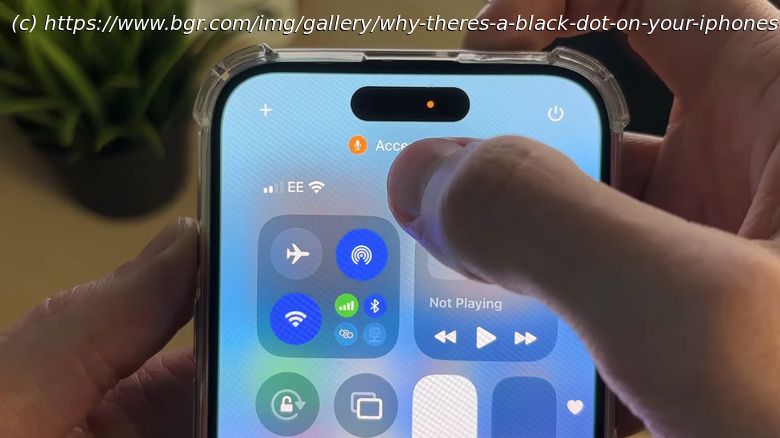
The black dot near the top of an iPhone’s screen, next to the Dynamic Island, is a privacy indicator change introduced with the 18.4 iOS update. Here’s why,
We may receive a commission on purchases made from links.
Keeping up with your phone’s software updates is one of the best ways to ensure your device is operating at peak performance. Sometimes an update can introduce features and settings you’ve never seen before, just as those introduced on iPhones when iOS 18.4 hit the market earlier this year. In addition to the usual bug fixes and system improvements, the iOS build also introduced a new UI element: a black dot placed to the right of the Dynamic Island.
Believe it or not, the black dot is merely a cosmetic enhancement for two privacy indicators introduced with iOS 14, the orange and green dots. Green means that an iPhone app is using your camera, and orange means an app is using your phone’s built-in microphone.