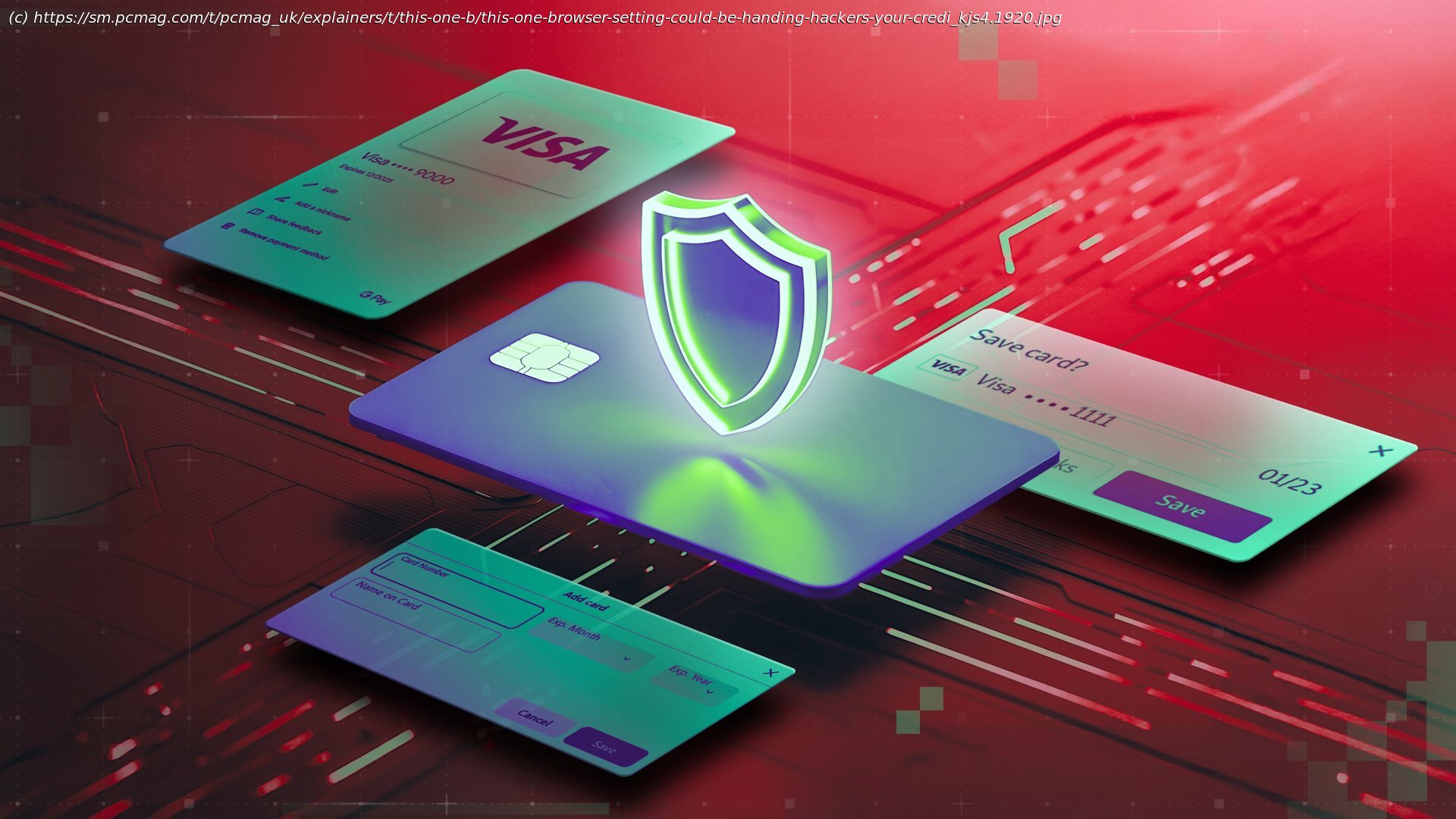
Browsers make it easy to save payment info, but that convenience opens the door to malware, breaches, and data theft. We tell you what to do instead.
The next time you’re standing in the grocery checkout line, imagine the clerk asking, “Would you like me to save your credit card for next time?” That would feel strange—maybe even alarming. Yet we accept the digital version of that question every day when our browser offers to store our card details or a shopping site asks to remember them. Here’s some easy advice: Don’t say yes. Scattering your payment information across the internet is how many bad stories begin—and none of them end well. I’m here to walk you through the dangers of storing your credit card online and show you the steps you can take to protect yourself.The Problem With Letting Your Browser Handle Money
By default, popular browsers include some password management features. When you log in to a website in Chrome, Edge, Firefox, or Opera (among others), the browser offers to remember the login credentials for you. Next time you visit the site, it will offer to fill in those saved credentials. Convenient, right? However, we advise against using this kind of partial password management and instead suggest installing a dedicated third-party password manager. A dedicated app keeps your passwords safer than any browser, and it works across multiple browsers and multiple devices, including your phone or tablet.
Likewise, we advise against storing payment information in the browser. A data-stealing Trojan or a compromised browser extension could give hackers access to your data. And if the device is stolen, all bets are off. At least with a password manager, there’s another level of security between the user and your credit card number.
You run into a different problem when you let a shopping website retain your payment card details. Yes, it’s convenient to have credit card information populate automatically on your next visit, but most password managers let you accomplish the same convenience with better security. Your private details are encrypted in the password manager and autofilled only after you’ve authenticated with the password app. That’s a lot better than having the information scattered all around the web, on sites that you may have forgotten.
It’s conceivable, though unlikely, that a shopping site could go rogue and sell your payment details on the dark web. A much more likely scenario involves the site getting hacked. Depending on how secure the site is (or isn’t), attackers might be able to obtain full credit card information.How to Reclaim Your Payment Data
If you left the default settings active, your browser may already be stuffed with saved payment details.