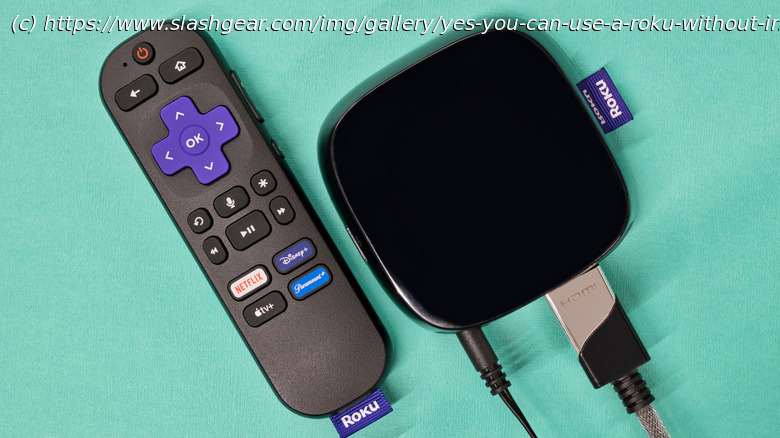
With a little preparation, any Roku device can continue to act as a family media center, even if your home internet connection disappears completely.
Roku devices are quite convenient if you’re looking for a wide array of TV shows, movies, and more to watch, and there are many great Roku streaming apps other than Netflix. For the majority of users, a Roku device is only useful as long as it has an active internet connection. But even if your internet connection is out, you can still use your Roku device. The catch is that you’ll need to have specific apps installed — meaning your Roku device needs to have been connected to the Internet at some point beforehand, and you need to have done a little preparation.
For example, one popular method of getting around a lack of Internet connection is to use a PC or other form of network-attached storage to stream. This is done through the Roku Media Player app and your local Wi-Fi connection. So long as the NAS and Roku device are connected to the same Wi-Fi network, the Roku Media Player should be able to detect the local NAS and allow you to access the media stored on it, completely bypassing the need for Internet. Of course, this is where the catch comes in, as the initial download of the Roku Media Player will require the Internet. Also, only specific video file formats are playable, including .