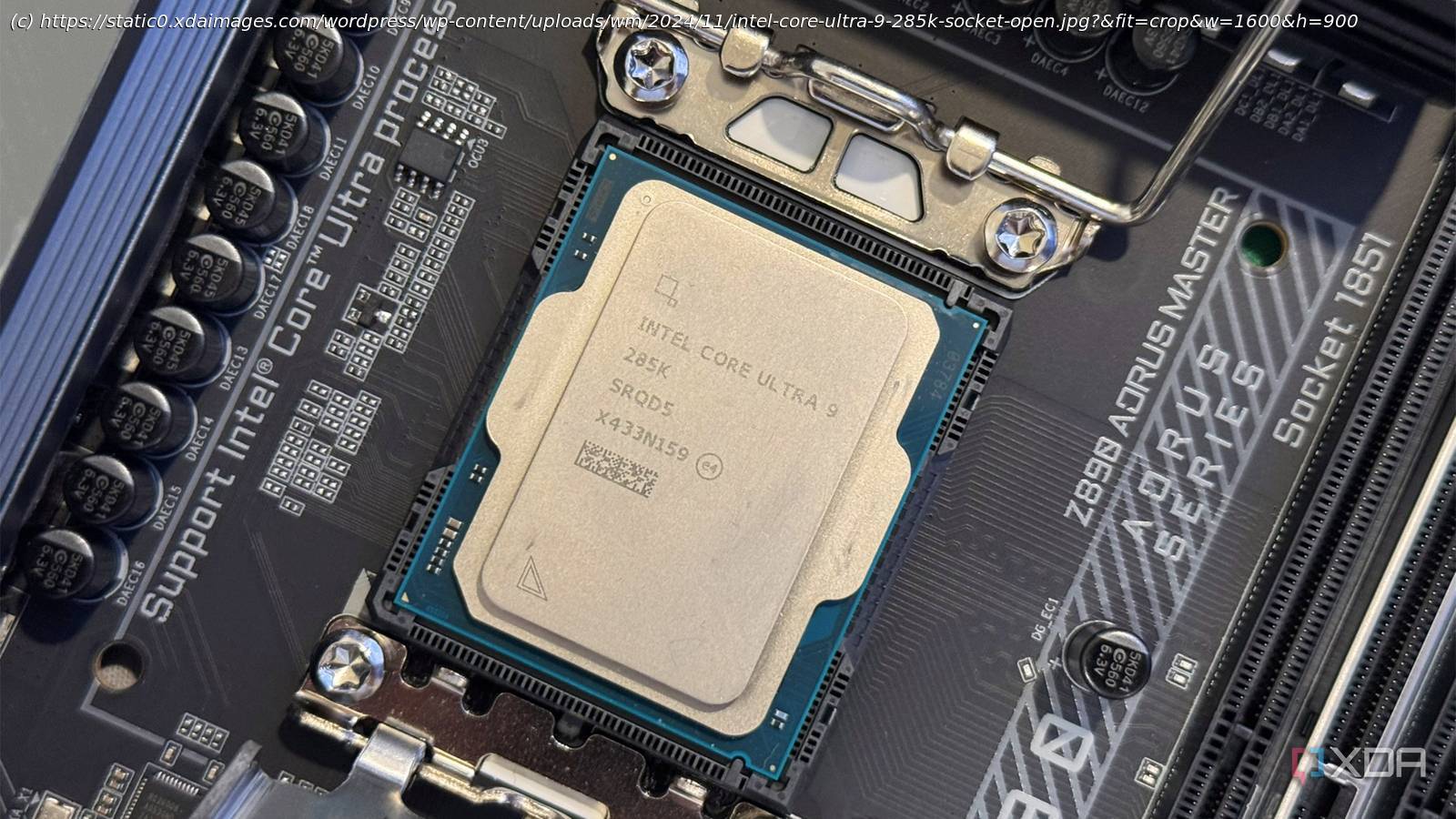
Let’s stop underestimating integrated GPUs
Most gamers don’t even think about using integrated graphics because they already have a much more powerful discrete GPU. Once you install a graphics card, the iGPU feels redundant at best and pointless at worst. I’ll admit that I had the same mindset when I used Intel CPUs in the past. Disabling the iGPU in the BIOS felt like a no-brainer, especially on a PC that I specifically built for gaming. In fact, I thought using the iGPU would unnecessarily raise CPU temps and power draw for no real benefit.
However, we aren’t all just gaming on our PCs 24/7. Even though we built it for gaming, we spend a lot of time browsing the web, watching videos, and using apps like Discord. Many of us even have multiple monitors hooked up to our PCs. For these use cases, a discrete GPU often ends up doing far more work than it needs to. So when you’re multitasking or switching in and out of games, that extra load on your card can affect how smooth your PC feels. With the iGPU enabled, Windows doesn’t have to force everything onto your graphics card.
Your graphics card doesn’t have to do everything
Outside of gaming, you’ll rarely need your RTX or Radeon GPU
When you’re not gaming, you don’t really need your discrete GPU, unless you’re video editing, rendering, or running local LLMs on your PC. For most everyday tasks like web browsing, watching videos, chatting on Discord, or managing multiple windows on your second monitor, your graphics card is mostly overkill. Those workloads don’t scale with GPU horsepower in a meaningful way, yet your card still ends up handling them by default if the iGPU is disabled.
Leaving the iGPU enabled doesn’t change how games run on a monitor connected to your GPU, but it gives your PC more flexibility during regular use.






