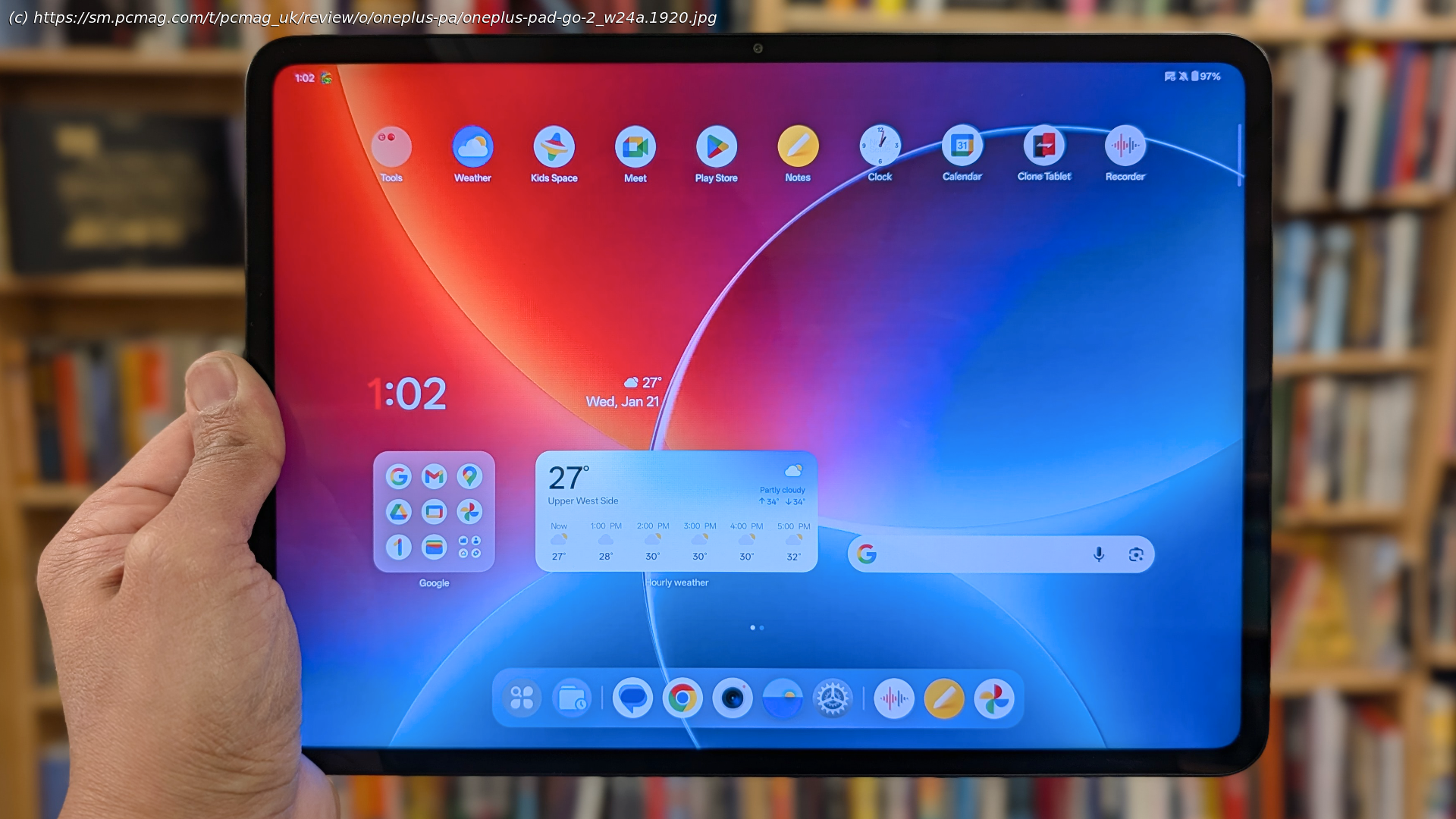
The OnePlus Pad Go 2 is a fine Android tablet that benefits from a sharp screen, solid everyday performance, and helpful AI features, making it a good pick for OnePlus phone owners.
The OnePlus Pad Go 2 ($399.99) provides a large screen, quick performance, and fast charging with its included power brick. We like OnePlus’s relatively straightforward approach to Android, which is enhanced by AI tools that boost productivity, and its seamless integration with OnePlus phones. The 12-inch screen puts it near laptop-sized, and it’s fun for entertainment, though we wish it included a stylus in the box and faster Wi-Fi. For a little less, the Lenovo Idea Tab Pro ($389.99) ships with a stylus, has longer battery life, and proved snappier in testing, making it our Editors’ Choice for midrange Android tablets.Design: Doesn’t Reinvent the Wheel
The OnePlus Pad Go 2 feels like a plastic iPad, which isn’t necessarily a bad thing. It is well-balanced and has good build quality, but lacks the finer materials and features (such as a fingerprint sensor or expandable storage) found on similarly priced Android tablets.
It measures 7.59 by 10.47 by 0.27 inches (HWD) and weighs 1.32 pounds, which is just a little bit larger than the original Pad Go (7.40 by 10.04 by 0.27 inches, 1.32 pounds). For comparison, the Idea Tab Pro is close at 7.44 by 11.49 by 0.27 inches and weighs a bit more at 1.37 pounds.
The front and back panels are slightly inset within the aluminum-alloy frame, creating a tiny lip that feels uncomfortable to hold. Panda Glass protects the large screen, which is framed by a small bezel. The back panel is simple with a single camera positioned on the top right, the OnePlus logo in the center, and regulatory markings below. There is no microSD card slot or 3.5mm headphone jack along the outer edges. The back panel resists fingerprints and finger residue, but you may want a cleaning cloth to keep the tablet looking its best.
The Pad Go 2, like the Lenovo Tab Pro, doesn’t have an IP rating, meaning it isn’t protected against dust or water. If you’d like a tablet that can handle a splash or two, you’ll have to spend more on a device like the Samsung Galaxy Tab S10 FE ($569.99).
Two speakers are located on each short side of the tablet. A power button is at the left edge near the top, while a USB-C port is on the right side. Individual volume controls are located on the left top edge near the power button. The volume buttons shift functionality depending on how you hold the tablet.
The Pad Go 2 does not have a fingerprint sensor, but it does have face unlock. I tested its security by showing the Pad Go 2 pictures of myself on a laptop and a phone; neither unlocked the device, which means the face ID tool is at least somewhat secure. The tablet is compatible with an optional stylus, the OnePlus Pad Go 2 Stylo, priced at $79.99. Lenovo, in comparison, includes a stylus with its Idea Pad Pro at no extra cost.






