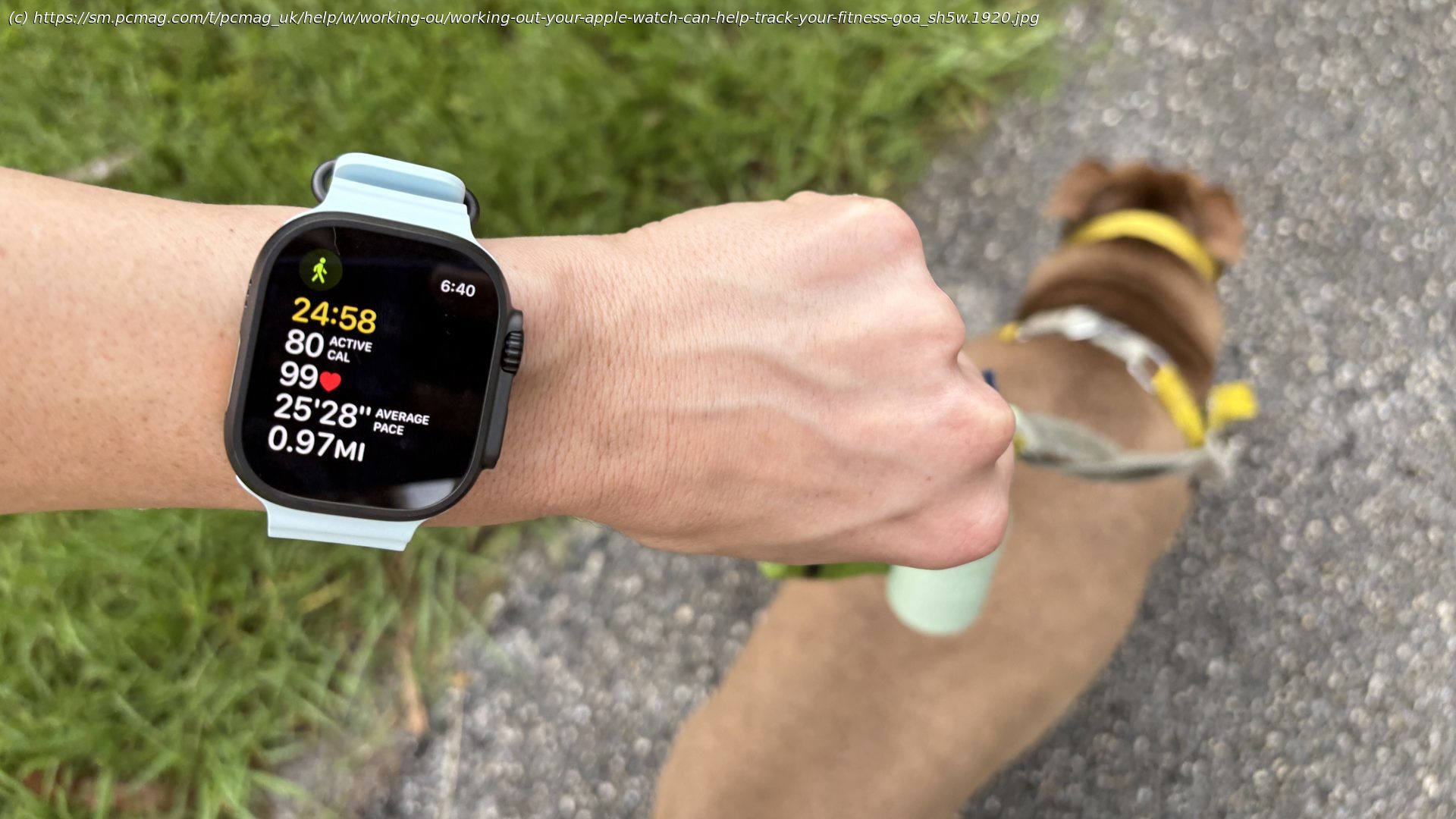
Thanks to its collection of preset and custom workouts, your Apple Watch can help you stay in shape and track your progress.
The Apple Watch is a handy tool for tracking your exercises. With the device on your wrist, it can monitor your physical activity across an array of supported workouts. There are the basics, such as walking, cycling, hiking, and rowing, but also dedicated sports, like baseball, basketball, tennis, pickleball, hockey, and golf. You can even track yoga, martial arts, Pilates, and Tai Chi. For each workout, the watch records the time, distance, calories burned, and other data to monitor your progress.
In 2025, Apple has added a new look and layout. The Workout app now lets you add limits other than goals, include music, set up a Workout Buddy to coax you along, and choose different watch faces for your workouts. To take advantage of the newest features, make sure you’re running watchOS 26. Open the Watch app on your iPhone. From the My Watch screen, go to General > Software Update. You’ll then be prompted to download the latest version. Now, here’s how to use your watch to keep track of all your workouts.Start a Workout
To start a workout, you’ll need to pick an activity to track. Open the Workout app on your watch, swipe down the list, and select the one you want. Can’t find your favorite workout? Swipe to the bottom of the list and select the plus icon to see more workouts.
After you land on the activity you want to perform, the screen displays four icons at the edges as well as a Play button. To kick off the workout without setting any special parameters, just tap the Play button and start the activity.
To set a certain goal or limit, tap the timer icon in the upper right and then select Goals. You’ll see settings for Time, Distance, and Calories with numbers already set based on prior workouts. If you want to stick with the existing number, tap the metric you wish to use. Otherwise, tap the plus (+) icon at the bottom. Next, tap Calories, Distance, or Time to change the numbers. When finished, tap Done. Go back to the Goals screen and tap the metric you want to use to kick off the workout.
If you’re a subscriber to Apple Fitness+, you can access certain Fitness+ programs on an Apple Watch to guide your workouts and meditations. Open the Workout app on your watch and tap the Fitness+ program at the top. Tap the program to start it or select the topic under Browse More to find past programs.Create a Custom Workout
You can also create a custom workout or design a new one based on certain parameters. At the screen showing your desired workout, tap the timer icon, then choose Custom and then the plus (+) icon. Tap Warmup > Open if you wish to add a warmup to the routine. Tap Add to include the actual workout. Finally, tap Cooldown if you wish to add a cooldown period.
Under Custom Title, you can create a title for your workout. Swipe down the screen to see the custom watch face views that will appear as you go through all the phases of the workout. When done, swipe to the bottom and tap Create workout. Go back to the previous screen and select your custom workout to start it.
You can further tweak your workouts with different watch face views. At the screen for any workout, tap the icon in the upper left. Swipe down the Workout Views screen and turn on the Include switch for any view you wish to see.






