News, Reviews & Betas which includes large community peer support iOS 15.4 allows using Face ID for authenticating Apple Pay and unlocking your iPhone without an Apple Watch. Here is what you need to know enabling and using this much-needed feature.
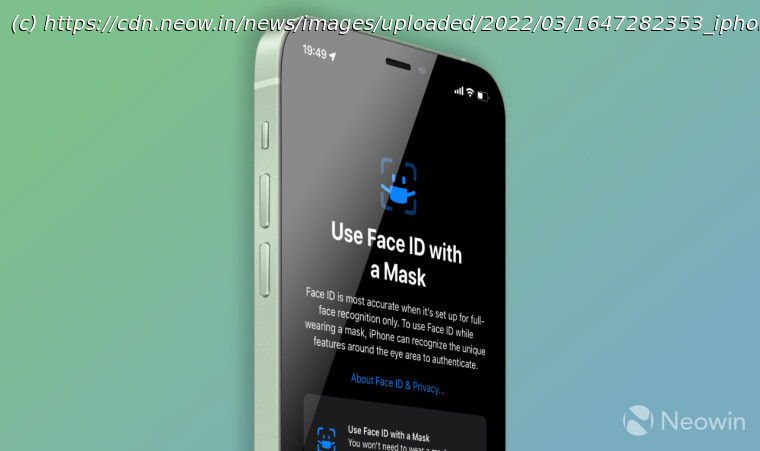
Unlike the good old Touch ID, Face ID in modern iPhones does not work when wearing a mask. If you have an Apple Watch, you can unlock your iPhone with a mask on, but the problem is that Apple Pay still won’t work. You need to either take off your mask or use a passcode. Two years since the beginning of the pandemic, Apple has finally fixed this problem in iOS 15.4. The newest iOS version lets you set up Face ID to work everywhere, including Apple Pay, when wearing a mask. Before you begin, it is worth noting that Face ID does not work with facial masks on all iPhones. To use Face ID with personal protection on and without Apple Watch, you need an iPhone 12 or iPhone 13 (regular or Pro). iPhone 11, iPhone XS, iPhone XR, and iPhone X owners are out of luck. Also, you need to update your device to iOS 15.4 or newer. Enabling Face ID with a mask is a simple, no-frills process that requires flicking one toggle in the Settings. Also, you need to set up Face ID once again so that your iPhone can recognize unique features around the eye area. That is how you set up Face ID to work with Apple Pay and unlock your iPhone. Now you can safely wear a facial mask and use all the security features Face ID provides.