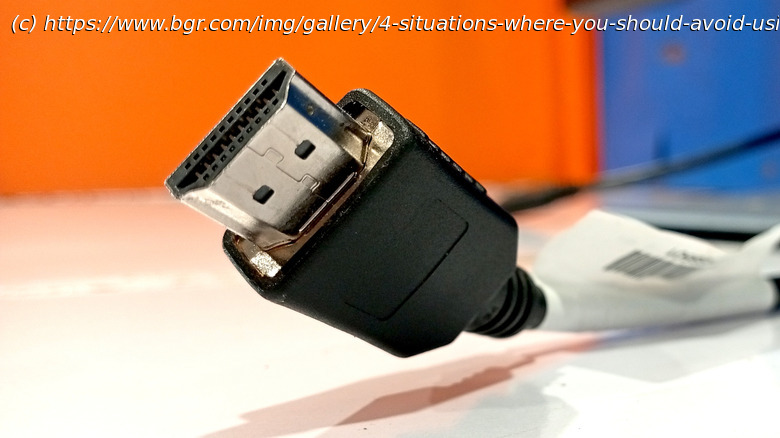
While HDMI cables and connections have become fairly ubiquitous, there are still enthusiast-level scenarios where it’s better to opt for a more specific cable.
Tech enthusiasts love to nerd out over every part of their system. Whether it’s something integral to performance, like the GPU, or something relatively unimportant, such as the brand of monitor, many spend a significant amount of time sitting through tons of online forums to ensure they get the best setup. An often overlooked part of this procedure are the ports, as they’re not something you usually think of as important in determining how your PC or TV performs.
This is true for most casual users, as the difference between choosing an HDMI, DP (DisplayPort), or USB-C port isn’t always visible to the untrained eye. Still, there are cases where HDMI ports simply cannot give you the best performance, especially if you’re using an older version of HDMI. The reason HDMI ports are most people’s choice is not because of any edge they have over others. Instead, it’s simply because of how widespread they are, as most TVs, consoles, and even older monitors don’t have any alternatives.
Due to this, it’s fine to use HDMI if you’re watching TV or using a PC casually. In certain cases, such as in home theater setups using sound bars, HDMI ports’ ARC and eARC capabilities even make them the optimal choice over other types. If, however, you’re a competitive gamer who wants the fastest refresh rates, a finance analyst who needs multiple monitors for research, or even a casual user who wants the best video quality, there are better options available.Using multiple monitors and daisy-chaining
If you want to watch a video game guide while playing the game, or want to look at rapidly changing stock prices, a side monitor is one of the best purchases you can make for your desk. Managing multiple monitors can get messy, though, with tangled-up wires that are a chore to deal with. To avoid this, most people with multi-monitor setups use daisy chaining. This is a process that connects monitors to each other directly instead of connecting each one to the source.