Dynabook’s Tecra A40-M (Series 2) delivers lengthy battery life and core business features, but its lackluster performance, subpar screen, and middling build quality make it a ho-hum value.
Dynabook’s Tecra A40-M (Series 2), part of the business laptop brand Sharp purchased from Toshiba a while ago, is a modest 14-inch work machine that could use a price chop. (Our test sample runs $1,119.) Dynabook built this work laptop to deliver just what companies want in a portable work partner: solid battery life, a comfortable keyboard, essential connections, and extra security. Its hardware specifications and build quality, though, would better fit a laptop a few hundred dollars less expensive. (Though negotiated bulk pricing could alter that dynamic.) Why? The Tecra’s IPS display falls well short, its low-power processor doesn’t impress, and its plastic frame doesn’t inspire much confidence given the price. We recommend going with something even cheaper if you’re okay with a build like this, or spending a little more for higher quality, like the Editors’ Choice-award-winning Lenovo ThinkPad X9 14 Aura Edition.One Price, One Configuration
Dynabook’s website displays just one Tecra A40-M (Series 2) configuration. Our $1,119 review unit packs an Intel Core Ultra 5 225U, 16GB of DDR5 memory (RAM), a 512GB solid-state drive (SSD), and a 14-inch 1,920-by-1,200-pixel IPS display. Dynabook still sells older models with «Meteor Lake» processors, but it doesn’t discount them nearly enough given the performance step down. (In fact, some of these older configurations cost more than the model we’ve reviewed here.)
While the Tecra A40-M’s price is lower than that of many midrange business-class laptops, it’s not quite low enough for what’s sold here, as you’ll soon see. Even in this price range, most competitors typically include faster processors, more configurations, and far brighter, more colorful display options. With that in mind, the Tecra A40-M looks well-priced on paper, but not when you start to dig into the details. Here’s to hoping Dynabook provides substantial discounts to IT-fleet managers buying these laptops in volume.Design: Hope You Like Plastic
The first thing that strikes me about the Tecra A40-M is its chassis: It’s entirely plastic. That’s not always a knock; plastic can make for a lightweight frame that’s still reasonably rigid. This laptop, in fact, meets MIL-STD-810H standards for durability—but it sure doesn’t feel that way. The Tecra shows a lot of bending and flexing in the lid and keyboard deck, and doesn’t give the best in-hand impression for the four-digit price.
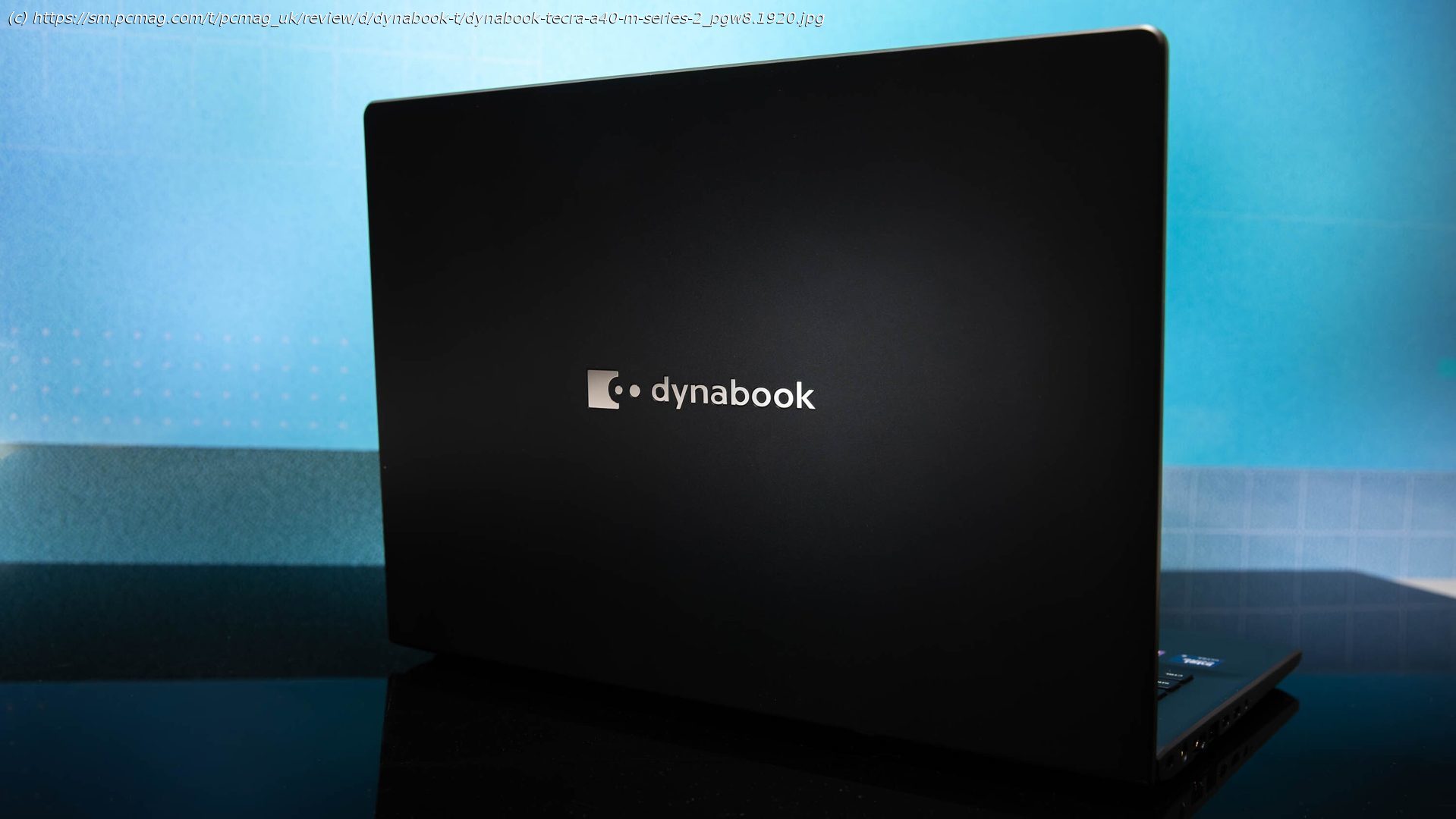
For aesthetics, the Tecra presents an expected business-conservative look: a minimalist design, enhanced only with a chrome logo on the lid and a chrome power button. Otherwise, the laptop is coated in a «Dark Metallic Blue» plastic with equally dark keycaps, and it features simple lines with a slight curve at the rear edges. It’s an attractive enough laptop that won’t stand out, just fine for business users.
The Tecra A40-M isn’t particularly thin or light at 0.78 inch thick and 3.17 pounds. Sure, those specs are fine for 14-inch laptops in general, but this laptop is not nearly as svelte as ultraportable business laptops that cost about the same or not much more. The plastic display bezels (also not a high-end look) are thin on the side and average on top and bottom. Taken together, all of that makes for a laptop that’s not tiny but remains reasonably portable. Again, nothing about the Tecra’s shape stands out. It’s a clean design, quite literally when you consider the Ionpure IPL antimicrobial coating.
Dynabook delivers one significant design benefit: The RAM and SSD are field-replaceable, making the machine reasonably easy for businesses to maintain and upgrade, thereby extending its lifespan. That’s important for a company that might be deploying hundreds or even thousands of units. The Tecra also comes with a three-year standard warranty. Most typical consumer laptops have just one-year warranties.
Other business nods include support for Microsoft’s Windows 11 Secured-Core PC suite, which builds in robust hardware and software defenses to protect data on the device. That extends to the firmware, to protect proprietary business data.